Key takeaways
- Separate court rental income from product and equipment sales.
- Show gross sales, discounts, refunds, and net sales.
- Break down collections by payment method.
- Track unpaid court tabs and outstanding balances.
- Reconcile cashier cash counts and digital payments.
- Report cancellations and adjustments separately.
- Review court utilization alongside rental revenue.
- Use booking and POS reports to improve daily oversight.
Your pickleball courts were busy all day. Players booked several sessions, customers purchased drinks and snacks, and a few groups rented paddles.
By closing time, your cashier reports ₱8,000 in transactions.
But here's the question: How much did your facility actually collect, and where did that money come from?
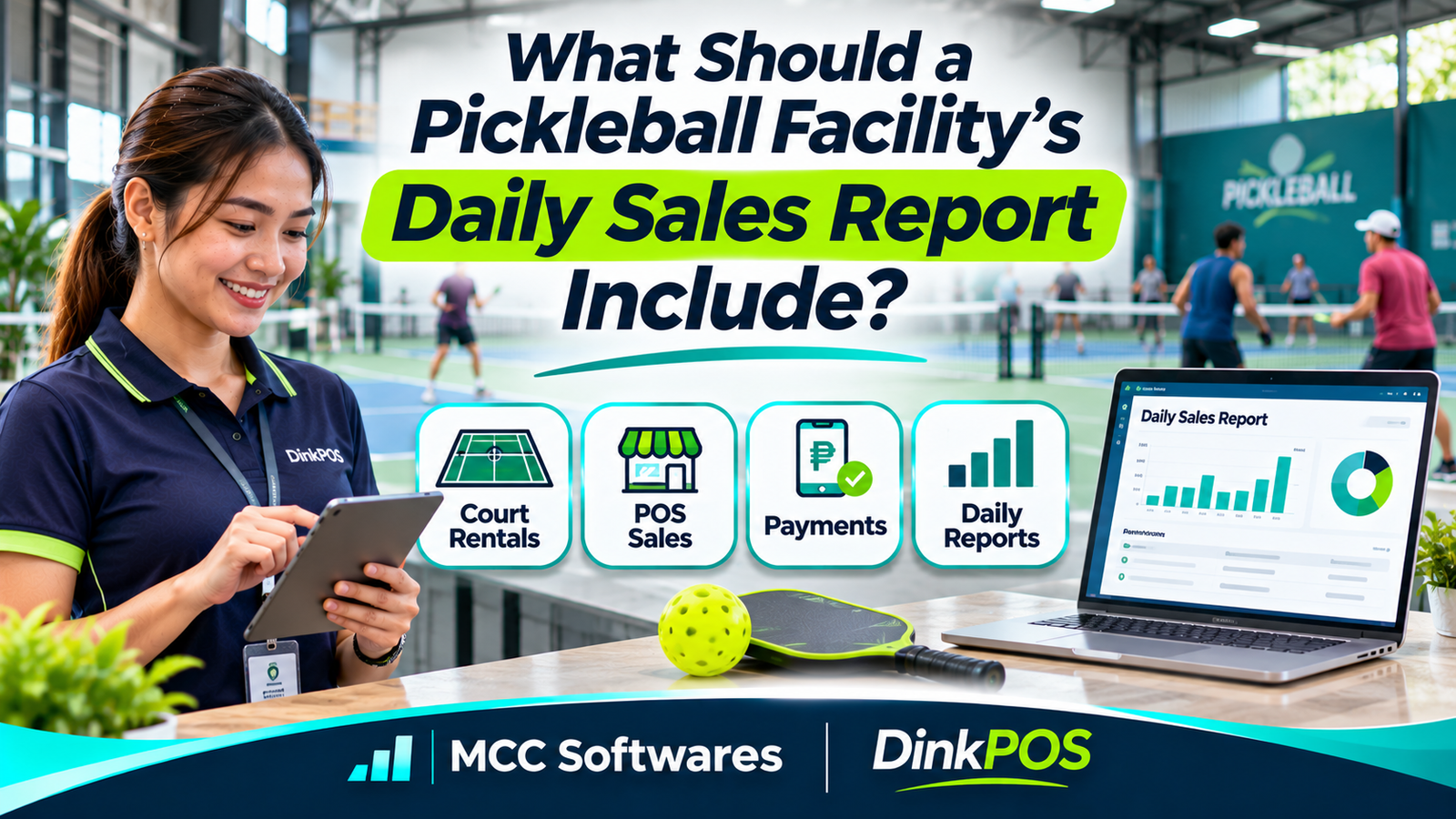
A daily sales report helps pickleball facility owners understand their revenue, payments, unpaid balances, and daily operations.
Without a proper report, it's easy to confuse confirmed bookings with paid reservations or overlook unpaid food orders.
Here's what your facility should track every day.
1. Total Daily Sales
Start with a clear summary of your facility's sales.
Your report should show gross sales, discounts, refunds or sales reversals, and net sales, with taxes separately identified where applicable.
For example:
| Sales Summary | Amount |
|---|---|
| Gross sales | ₱8,000 |
| Discounts | -₱200 |
| Refunds | -₱300 |
| Net sales | ₱7,500 |
This simplified example assumes the refunds reduce the day's reported sales and excludes separate tax adjustments.
The purpose is to show what your facility earned from recorded transactions after relevant adjustments.
According to Shopify's POS reporting guide, daily reports commonly include sales totals, discounts, refunds, payment methods, and product performance.
However, sales and actual cash collections are not always the same amount.
That's why your report needs more than one total.
2. Court Rental Revenue
For most pickleball facilities, court rentals are a major source of income.
Your daily sales report should separate court rental revenue from other sales.
What Should You Track?
Include the number of completed bookings, paid rental hours, rental charges, overtime fees, discounts, and cancellations.
For example:
| Court | Paid Hours | Rental Revenue |
|---|---|---|
| Court 1 | 8 | ₱3,200 |
| Court 2 | 7 | ₱2,800 |
| Court 3 | 6 | ₱2,400 |
| Total | 21 | ₱8,400 |
These are illustrative amounts.
A court-level breakdown helps owners identify which courts generate revenue and whether specific schedules need attention.
You should also distinguish booking dates from payment dates, especially when customers pay in advance.
3. Food, Drinks, and Merchandise Sales
Court rentals aren't your facility's only source of income.
Many pickleball businesses also sell bottled water, sports drinks, snacks, balls, grips, and other accessories.
Your report should show sales by category.
For example:
Food and snacks
Bottled water and beverages
Pickleball balls and accessories
Paddle and equipment rentals
Other merchandise
This makes it easier to see which products sell well and which items need restocking.
A category report can also help you understand whether your counter sales are growing alongside court reservations.
4. Equipment Rental Income
If your facility rents paddles or other playing equipment, track those transactions separately.
For example, ten paddle rentals at ₱50 each would produce ₱500 in gross rental income.
Your report should identify the quantity of rentals, charges, discounts, and any unpaid equipment fees.
Equipment availability and return status belong in your operational records, but rental revenue should still appear in the financial summary.
This helps you understand whether your rental equipment is generating enough income to justify maintenance and replacement costs.
5. Payment Method Breakdown
This is one of the most important sections of your daily report.
A facility may receive payments through cash, GCash, QR Ph, bank transfers, or other supported methods.
You should know how much was collected through each channel.
Example Payment Summary
| Payment Method | Amount Received |
|---|---|
| Cash | ₱3,500 |
| GCash / QR Ph | ₱2,500 |
| Bank transfer | ₱1,000 |
| Total Collected | ₱7,000 |
Make sure digital payments are actually verified through the authorized receiving account.
A customer-uploaded payment screenshot should not automatically count as confirmed collection.
Square's reporting documentation also distinguishes sales reporting, payment-method breakdowns, and reconciliation.
6. Unpaid Court Tabs and Outstanding Balances
Imagine a group books a court for two hours and asks your cashier to add drinks and snacks to their tab.
They plan to pay everything after their game.
Those charges should remain visible even though no payment has been collected yet.
A daily report should help your team identify:
Unpaid court rental balances
Food and beverage charges on open tabs
Partial payments
Outstanding equipment rental fees
Unsettled transactions carried forward
Don't treat unpaid charges as money already received.
If a customer settles an older balance today, record the collection without counting the original sale twice.
This distinction is especially useful for facilities that allow players to pay after their sessions.
7. Discounts, Refunds, and Cancelled Bookings
Not every transaction results in a completed sale.
Customers may cancel reservations, receive refunds, or qualify for promotional discounts.
Your report should show the reason and amount for each adjustment.
Also distinguish cancelled bookings that were never charged from transactions that were paid and later refunded.
Managers should be able to review unusual adjustments and confirm that staff followed the facility's approved policies.
This creates a clearer record when reconciling payments.
8. Cashier and Shift Summary
If multiple employees handle sales, your facility should know which transactions belong to each cashier or shift.
A shift report can include opening cash, cash collected, approved cash movements, refunds, expected closing cash, and actual cash counted.
For example, if expected closing cash is ₱4,000 but the drawer contains ₱3,950, your cashier should report the ₱50 difference.
Investigate the variance instead of silently changing the report.
Good cash controls help managers identify mistakes and maintain accountability.
9. Court Utilization and Busy Hours
Although court utilization isn't directly a sales figure, it provides useful context.
For example, your facility may earn strong rental revenue during evening peak hours while experiencing low bookings in the afternoon.
Court Utilization Rate = (Booked Court Hours ÷ Available Court Hours) × 100
If your facility offers 30 court-hours and 21 are booked, utilization is 70%.
Compare this with rental revenue to understand which time slots are productive.
You can also review cancellations, no-shows, and actual paid hours when evaluating performance.
Sample Pickleball Daily Sales Report
Here's a simple daily summary for a hypothetical facility.
| Revenue Category | Amount |
|---|---|
| Court rentals | ₱4,800 |
| Equipment rentals | ₱600 |
| Food and beverages | ₱1,500 |
| Merchandise | ₱900 |
| Gross sales | ₱7,800 |
| Discounts | -₱200 |
| Refunds | -₱300 |
| Net sales | ₱7,300 |
| Payments collected for these sales | ₱6,800 |
| Unpaid balance | ₱500 |
This example assumes no separate tax adjustments, opening receivables, or prior-period collections.
The ₱500 unpaid balance explains why net sales exceed collections. In a real report, timing differences, deposits, partial payments, and refunds may require additional reconciliation.
Manage Pickleball Sales Reports With DinkPOS
As your facility grows, checking separate booking records, payment screenshots, and cashier reports can become time-consuming.
DinkPOS, developed by MCC Softwares, combines pickleball court booking, point-of-sale operations, inventory, equipment rentals, and business reporting.
The platform provides reports on bookings and sales, along with tools for monitoring court activity and managing payments.
DinkPOS also supports cashier shifts, equipment rentals, and multiple branches.
Instead of relying entirely on notebooks and spreadsheets, facility owners can manage more of their daily operations through one platform.
Explore DinkPOS and its 30-day free trial, with no payment method required to start.
You may also find these guides useful:
Frequently Asked Questions
Should court rental sales and food sales appear separately?
Yes. Separate categories make it easier to identify each revenue source and review performance.
Should unpaid bookings count as collected sales?
No. An unpaid booking may create a receivable or pending charge, but it should not be included in confirmed payments collected.
How often should a pickleball facility review sales?
A daily review is useful for checking collections and identifying discrepancies. Weekly and monthly summaries can help reveal longer-term trends.
Final Thoughts
A good daily sales report should tell you more than how much money your pickleball facility made.
It should explain where revenue came from, how customers paid, which balances remain unpaid, and whether transactions match your records.
The goal is simple: know your numbers before starting another business day.
For a more organized way to manage pickleball bookings, POS transactions, and business reporting, explore DinkPOS by MCC Softwares.
Questions this article answers
- What should a pickleball facility's daily sales report include?
- How do you report court rental revenue?
- Should food sales and equipment rentals be reported separately?
- How do you reconcile cash and GCash payments?
- Should unpaid court tabs count as collected revenue?
- How should refunds and cancelled bookings appear?
- Why should daily reports include court utilization?
- Can DinkPOS help manage pickleball sales reporting?
Sources and references
- Point of Sale Reports: Types and Uses — Shopify
- View Sales Summary and Payment Methods — Square
- Retail Sales Reports — Shopify
- DinkPOS Pickleball Business Management — DinkPOS
- Business Systems Development — MCC Softwares
Topics covered
PickleballDinkPOSMCC SoftwaresPoint-of-Sale SystemGCashQR PhCourt UtilizationSales ReportingEquipment RentalsPayment ReconciliationPhilippines
Related MCC products and services
Last reviewed for accuracy: 20 November 2026.
Related articles
-
How Do You Track Paddle Rentals at a Pickleball Facility?
Learn how to track pickleball paddle rentals, record equipment checkouts and returns, manage damage, collect rental fees, and keep your facility's equipment organized with DinkPOS.
-
How Should You Set Pickleball Court Rental Rates?
Not sure how much to charge for your pickleball courts? Learn how to set profitable rental rates in the Philippines using operating costs, local competitors, peak hours, and court utilization.
-
POS vs Inventory Management: Do You Need Both Systems?
What's the difference between a POS system and an inventory management system? Learn what each does, when your business needs both, and how connected software simplifies sales and stock tracking.
-
Pickleball Court Booking in the Philippines: How DinkPOS Works
Discover how DinkPOS helps players find pickleball courts, check availability, and submit payment proof—and how facility owners manage reservations, court sessions, sales, and inventory.
-
How to Manage Court Rentals, Sales, and Inventory
Running a pickleball facility? Discover how a pickleball POS system simplifies court rentals, online bookings, cashier sales, inventory tracking, and equipment rentals. Learn how DinkPOS helps Philippine pickleball businesses manage daily operations.
-
How to Start a Pickleball Court Business in the Philippines
Planning a pickleball court business in the Philippines? Learn how to validate demand, assess a site, budget for construction, check permits, set prices, and manage bookings with DinkPOS.