Key takeaways
- POS systems primarily handle checkout, payments, and sales.
- Inventory systems track products, receiving, and stock movements.
- Some POS systems already include inventory management.
- Small retailers may only need basic stock tracking.
- Growing businesses often benefit from integrated sales and inventory.
- QuixPOS is an upcoming MCC Softwares retail management product.
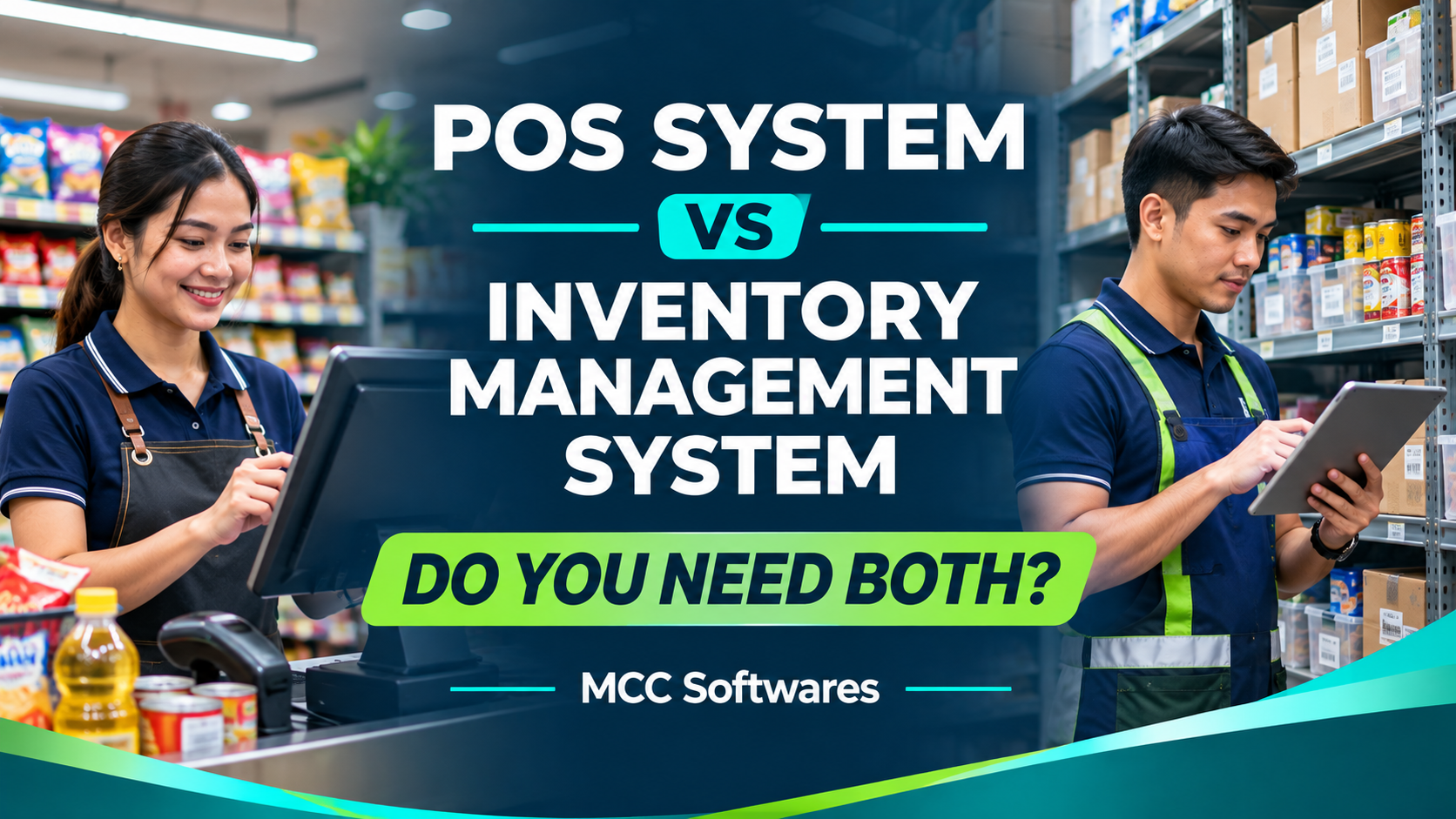
Choosing between POS vs inventory management software can be confusing for business owners in the Philippines. Both systems help manage daily operations, but they serve different purposes. A POS system handles customer transactions and sales, while inventory management software tracks products, stock levels, and supplier deliveries.
If you operate a retail store, grocery, boutique, or sari-sari store, understanding these differences can help you choose the right software for your business.
What Is a POS System?
A Point-of-Sale (POS) system is the software your cashier uses to process customer purchases.
Instead of manually calculating totals and recording sales in a notebook, staff can select or scan products, calculate the amount due, and record payments.
A typical POS system may include:
Barcode scanning and product search
Automatic sales calculations
Discounts and payment recording
Receipt generation
Daily sales reports
Cashier transaction history
Imagine running a sari-sari store or grocery in Cotabato City. During busy hours, customers want to pay quickly.
A POS system makes checkout more organized, especially when you're handling numerous products.
However, recording a sale is only part of managing a retail business.
What Is an Inventory Management System?
An inventory management system focuses on tracking the products your business owns, receives, stores, and sells.
It helps answer questions such as:
How many items are still available?
Which products need restocking?
What arrived from suppliers?
Which products are stored in the bodega?
Why doesn't the physical stock match the records?
For example, your grocery store might have 100 bottles of cooking oil. You sell 25, receive another 50 from your supplier, and discover five damaged bottles.
An inventory system helps you record these movements so your stock information stays accurate.
More advanced systems may also handle batch costing, supplier records, stock transfers, and multiple branches.
POS System vs Inventory Management System: Key Differences
Although these systems work closely together, their main responsibilities are different.
| Feature | POS System | Inventory Management System |
|---|---|---|
| Main purpose | Process sales | Track and manage stock |
| Checkout | Yes | Usually not |
| Payment recording | Yes | Not usually |
| Stock receiving | Sometimes | Core function |
| Supplier management | Sometimes | Common feature |
| Stock transfers | Depends on system | Common feature |
| Sales reporting | Core function | May use sales data |
| Inventory valuation | Often basic or limited | May support detailed costing |
Some modern POS platforms already include inventory features, so you don't necessarily need two separate applications.
The important question is whether the software covers your actual workflow.
Do Small Businesses Need Both?
It depends on how your business operates.
When a POS System May Be Enough
If you run a small shop with one location, a limited product selection, and straightforward stock tracking, a POS with basic inventory functions may be sufficient.
You may only need to process purchases, monitor available quantities, and review daily sales.
There's no reason to pay for complicated warehouse features if you don't use them.
When You Need More Advanced Inventory Management
Things become different when your business starts managing hundreds of products, multiple stock locations, or regular supplier deliveries.
Consider a hardware store with a stockroom and a separate display area.
When an employee transfers 20 boxes of screws from the bodega to the sales floor, your system should record the movement without treating it as a sale.
Likewise, receiving new products should increase stock, while damaged items should be recorded separately.
These operations require more than a basic checkout screen.
When an Integrated System Makes Sense
For growing businesses, a combined POS and inventory system can simplify operations.
When a cashier completes a sale, the system can automatically deduct the correct quantity from available stock.
When staff receive a supplier delivery, the inventory records can be updated without entering the same information in a separate spreadsheet.
The result is a clearer connection between sales and stock movements.
What Happens When POS and Inventory Are Not Connected?
Imagine your store uses one application for checkout and an Excel file for inventory.
Your cashier records 15 product sales during the day, but nobody updates the spreadsheet until closing.
For several hours, your stock records may show products that have already been sold.
This can lead to inaccurate counts, unnecessary reordering, or selling items that are no longer available.
A connected system reduces repeated encoding, although regular physical stock counts are still important.
According to Shopify's inventory management guidance, connected sales and inventory workflows can support stock counts, inventory adjustments, receiving, and transfers.
What Should You Look for Before Choosing Software?
Before purchasing a system, consider your daily operations.
Look for software that can support:
Fast checkout and barcode scanning
Automatic stock deductions from sales
Product receiving and stock adjustments
Separate quantities for stockrooms and display areas
Supplier and purchase records
Sales and inventory reports
User permissions and transaction history
If you have multiple branches, ask how inventory transfers and consolidated reports work.
Also check what happens during an internet interruption. Some systems require connectivity, while others offer offline functionality.
Finally, ask about data backups, technical support, hardware compatibility, and total subscription or implementation costs.
Introducing QuixPOS by MCC Softwares
At MCC Softwares, we're developing QuixPOS, a point-of-sale and business management solution intended for Philippine retail businesses.
The planned system focuses on connecting everyday sales transactions with inventory management, customer records, and business reporting.
QuixPOS is being designed with retail workflows in mind, including businesses that need to monitor products across different stock locations.
QuixPOS is currently in development and is not yet publicly available. Its final features and pricing will be announced separately.
You can explore the QuixPOS product preview for more information.
For businesses with specialized requirements, MCC Softwares also provides custom business systems development, including solutions for sales, inventory, and operational reporting.
Frequently Asked Questions
Can a POS system manage inventory?
Yes. Many POS systems include basic stock tracking, while others offer receiving, transfers, and more advanced inventory features.
Is inventory software necessary for a small sari-sari store?
Not always. A simple POS with stock tracking may be enough. More detailed inventory management becomes useful as products and transactions increase.
Can POS and inventory management work in one system?
Yes. Integrated software can connect completed sales with stock deductions, receiving, and inventory reporting.
Final Thoughts
So, do you need both a POS system and an inventory management system?
You need the right sales and inventory functions, but not necessarily two separate software applications.
For a small business, a POS with basic stock tracking might be enough. For larger operations, integrated inventory management can help keep sales, stockroom quantities, supplier deliveries, and reporting organized.
The best choice is the system that fits how your business actually operates.
Questions this article answers
- What is the difference between POS and inventory management?
- Does a small business need both systems?
- Can POS software automatically deduct inventory?
- Is inventory software necessary for a sari-sari store?
- What are the benefits of an integrated POS system?
- What features should Philippine retailers look for?
Sources and references
- Shopify POS Inventory Management — Shopify
- Retail Inventory Software: How to Choose — Shopify
- Business Systems Development Philippines — MCC Softwares
- QuixPOS Product Preview — MCC Softwares
Topics covered
Point-of-Sale SystemInventory Management SystemQuixPOSMCC SoftwaresShopify POSRetail SoftwareBarcode ScanningStock ManagementPhilippines
Related MCC products and services
- QuixPOS
Last reviewed for accuracy: 12 November 2026.
Related articles
-
Affordable Custom Software Development in Cotabato City
Planning a custom system in Cotabato City? Learn how to compare proposals, prioritize features, budget for support, and explore MCC Softwares solutions for your organization.