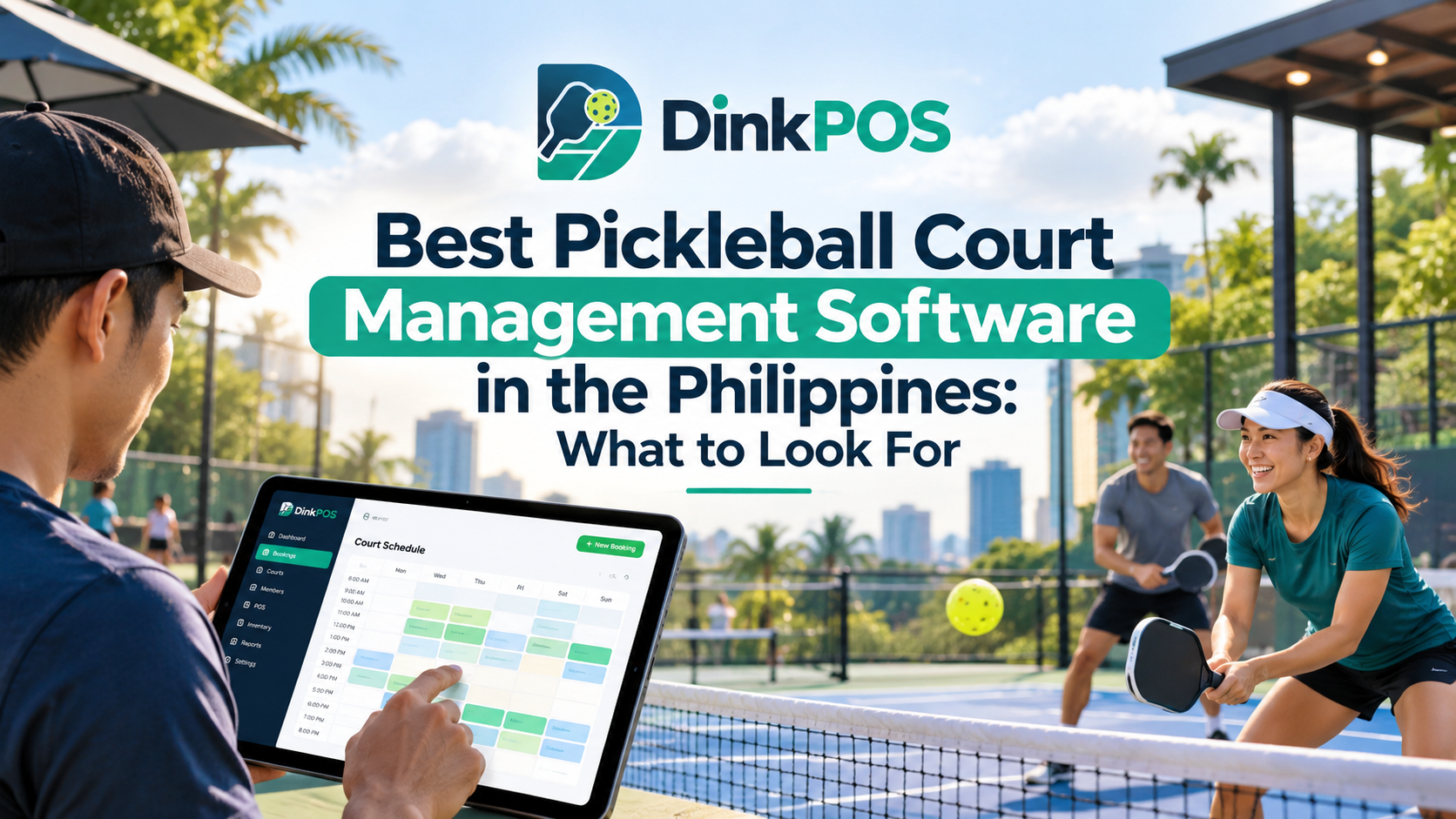
Key takeaways
- A pickleball POS system connects court operations with sales and inventory.
- Online booking helps players find available court schedules.
- Inventory management helps track products and restocking needs.
- Equipment rentals offer another potential source of revenue.
- DinkPOS reservation payments require manual verification.
- Booking and sales reports can support operational decisions.
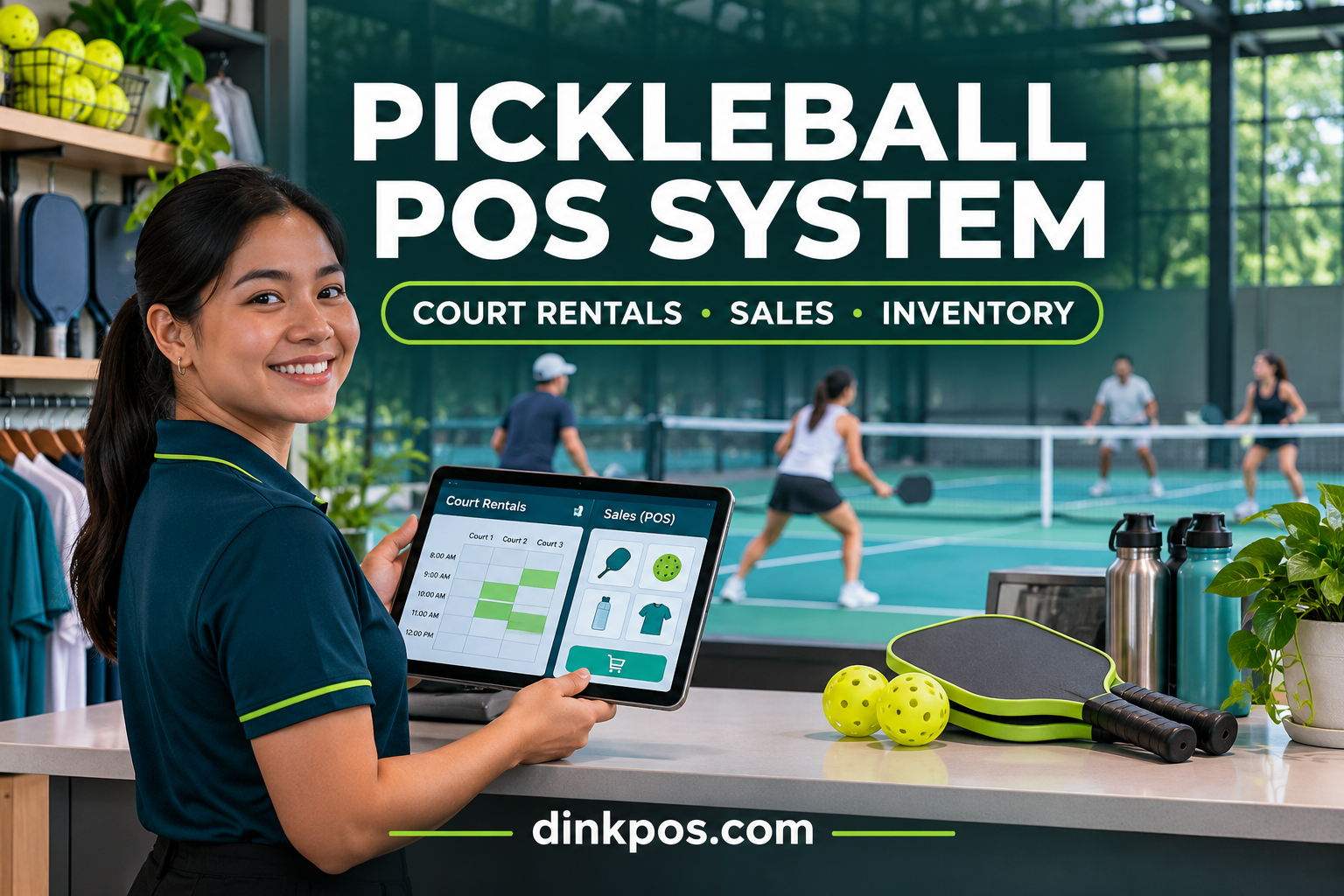
A pickleball POS system helps facility owners manage court reservations, cashier transactions, equipment rentals, and inventory through a connected business platform. For pickleball businesses in the Philippines, using dedicated software can make daily operations easier to organize and reduce dependence on notebooks, spreadsheets, and separate booking records.
Whether you operate a single pickleball court or manage multiple branches, understanding how a modern point-of-sale system works can help you deliver a smoother player experience and make better business decisions.
In this guide, we'll explain how to manage court rentals, sales, and inventory using a pickleball POS system such as DinkPOS, developed by MCC Softwares.
What Is a Pickleball POS System?
A pickleball POS system is software designed to manage financial transactions and daily operations at a pickleball facility.
Unlike a traditional retail point-of-sale system that primarily handles product sales, a specialized pickleball POS solution can also support court bookings, rental fees, equipment rentals, and facility management.
For example, a pickleball facility may generate income from:
Hourly court rentals
Walk-in court reservations
Pickleball paddle rentals
Pickleball and sports equipment sales
Bottled water and refreshments
Sports apparel and accessories
Additional court time or session extensions
Instead of managing these activities through separate systems, a connected platform can help staff monitor transactions and operational records from one place.
According to Pickleball.com's revenue and pricing guide, court access, merchandise, concessions, and other services can provide multiple income opportunities for pickleball operators.
1. Manage Pickleball Court Rentals and Reservations
Court reservations are one of the most important parts of operating a pickleball facility.
When bookings are recorded manually through Facebook Messenger, phone calls, or spreadsheets, staff may spend considerable time checking availability and updating schedules.
Use an Online Court Booking System
An online booking system allows players to check available courts and select their preferred playing schedule.
With DinkPOS, participating facilities can provide an online booking page where customers can view available time slots and request reservations.
Facility operators can manage their court schedules, operating hours, and rental rates.
This helps create a more organized reservation process for both customers and employees.
Set Different Court Rental Rates
Not all court schedules have the same demand.
A pickleball facility may offer different pricing for:
Weekday court rentals
Weekend reservations
Peak playing hours
Off-peak schedules
Special court rental periods
For example, a facility might charge ₱250 per hour during regular schedules and ₱350 per hour during peak hours.
These are illustrative rates, not recommended market prices. Actual pricing should reflect the facility's operating expenses, location, and customer demand.
Monitor Court Activities in Real Time
Managing several active courts can become challenging when staff need to remember when every session starts and ends.
DinkPOS includes a real-time court dashboard that helps staff monitor court availability and ongoing sessions.
Court timers and extensions can also help employees manage players who request additional playing time.
This is especially useful for facilities with several courts operating simultaneously.
2. Process Sales Using a Pickleball Point-of-Sale System
Court rental revenue may represent an important part of a pickleball business, but merchandise and refreshments can create additional sales opportunities.
For example, customers may purchase bottled water, pickleballs, grips, or other accessories before or after playing.
Manage Cashier Transactions
A pickleball POS system enables staff to record sales and organize transactions.
DinkPOS provides a point-of-sale feature for selling products such as:
Bottled water and sports drinks
Pickleballs
Paddles and accessories
Sports equipment
Other merchandise sold at the facility
Its POS functionality also includes cashier shifts and receipts.
Using a dedicated POS helps staff maintain transaction records rather than calculating every sale manually.
Keep Court Rentals and Product Sales Organized
Imagine a group of four players renting a court for two hours.
During their visit, they also purchase drinks and rent additional paddles.
The facility now needs to manage several activities: the court booking, playing time, retail sales, and rental equipment.
A connected management platform helps organize these operations without requiring completely separate business applications.
This makes it easier to review how the facility earns revenue from different services.
3. Track Inventory and Avoid Unexpected Stock Shortages
Inventory management is another important part of running a pickleball business.
Facilities that sell sporting goods, drinks, and accessories need accurate stock records to avoid running out of popular items.
Monitor Available Products
A pickleball inventory management system helps owners track stock quantities and product movements.
DinkPOS includes inventory management tools for monitoring available stock, recording restocks, and identifying low-stock items.
For example, staff can monitor how many pickleballs, drinks, and accessories remain available for sale.
Improve Restocking Decisions
Without organized inventory records, businesses may purchase too many slow-moving products while frequently running out of popular items.
Reviewing inventory alongside sales history can help owners identify products that need replenishment.
A simple inventory routine should include checking current quantities, recording incoming stock, comparing physical counts with system records, and reviewing products with low availability.
Accurate inventory records can also support more responsible purchasing decisions.
4. Manage Pickleball Equipment Rentals
Not every customer owns a paddle or brings complete playing equipment.
Some players, particularly beginners, may prefer renting equipment before investing in their own.
Offering paddle rentals can improve convenience while creating another potential revenue stream.
Record Rental Equipment
A facility may offer rental paddles, balls, or other equipment.
DinkPOS supports equipment rentals that can be associated with the playing session in which the equipment is used.
This helps staff organize rental activity alongside court operations.
Establish Equipment Rental Procedures
Facility owners should establish clear rental policies, including equipment inspection, rental duration, return procedures, and charges for damaged or missing items.
A defined process helps both staff and customers understand their responsibilities.
5. Accept GCash, QRPh, and Bank Transfer Payments
Digital payments are important for many Philippine businesses.
For pickleball court reservations, facilities may want to offer payment methods that customers already use.
How DinkPOS Handles Reservation Payments
DinkPOS allows participating facilities to configure GCash, QRPh, and bank transfer as payment options.
The reservation payment process works as follows:
The player selects a court and available schedule.
The player chooses a payment option offered by the facility.
The player pays the facility directly.
The player uploads proof of payment.
Facility staff review the payment evidence.
Staff confirm the reservation after verification.
Important: DinkPOS does not automatically verify or approve these direct reservation payments. The facility is responsible for checking the submitted proof and confirming payment.
This gives operators control over reservation confirmation while providing customers with digital payment options.
6. Monitor Sales, Court Usage, and Business Performance
Business owners need more than daily transaction totals.
They also need to understand which courts are frequently occupied, what products are selling, and when customers typically visit.
Review Business Reports
DinkPOS includes business analytics and reporting features covering bookings, sales, and busy operating hours.
These records can help owners identify patterns in their business.
For example, a facility owner might discover that weekday evenings receive more bookings than weekday mornings.
This information can inform decisions about staffing, promotions, and court pricing.
Calculate Court Utilization
One useful measurement for a pickleball business is court utilization.
Court utilization rate = (Booked court hours ÷ Available court hours) × 100
For example, if a facility has 40 available court hours during a given period and customers book 30 hours:
Court utilization = (30 ÷ 40) × 100 = 75%.
This means customers booked 75% of the facility's available court hours during that period.
Comparing utilization across different days or time slots can help operators identify opportunities to improve scheduling.
7. Manage Multiple Pickleball Branches
As a pickleball business expands, operating multiple facilities can introduce additional administrative responsibilities.
Different branches may have separate court schedules, inventory quantities, staff members, and operating hours.
DinkPOS supports multiple branches under one business account, with branch-specific courts, hours, and stock.
It also provides staff roles and permissions so operators can control what managers, cashiers, and court attendants can access.
This helps create a more structured management process as the business grows.
Why Choose DinkPOS for Your Pickleball Business in the Philippines?
DinkPOS is a pickleball court booking and point-of-sale platform developed by MCC Softwares, a Philippine software development company.
It is designed to help pickleball facility owners manage bookings, court sessions, front-desk transactions, stock, and business reports.
Key DinkPOS Features
Online court booking: Let players view availability and reserve a schedule.
Court management dashboard: Monitor court sessions, timers, and extensions.
Point of sale: Manage merchandise sales, cashier shifts, and receipts.
Inventory tracking: Monitor stock levels and restocking activity.
Equipment rentals: Organize rental equipment used during sessions.
Digital payment options: Support direct GCash, QRPh, and bank transfer payments with staff verification.
Business analytics: Review booking, sales, and busy-hour data.
Multi-branch management: Organize multiple facility locations.
Staff permissions: Assign access based on employee responsibilities.
Facility directory: Allow players to discover participating courts online.
These features make DinkPOS relevant for new pickleball businesses as well as existing facilities looking to organize their operations.
Start With a 30-Day Free Trial
Facility owners can explore DinkPOS through its advertised 30-day free trial, with no payment method required to begin.
Visit www.dinkpos.com to explore its features, current subscription plans, and business registration.
Frequently Asked Questions About Pickleball POS Systems
What is the best POS system for a pickleball court?
The best POS system depends on a facility's size, operational requirements, and budget. Look for software that handles court bookings, product sales, rental equipment, inventory, and reporting. DinkPOS is one option designed specifically for pickleball facilities in the Philippines.
Can a pickleball POS system manage court reservations?
Yes. Specialized pickleball management systems can include online booking calendars, court availability, time-slot management, and reservation records.
Can DinkPOS track pickleball equipment and inventory?
Yes. DinkPOS provides inventory management for products sold at the facility and equipment rental features for organizing rental activity.
Does DinkPOS support GCash payments?
Yes. Facilities can offer GCash, QRPh, and bank transfer payments for reservations. Customers submit payment proof, which staff must review and confirm manually.
Can DinkPOS manage multiple pickleball branches?
Yes. DinkPOS supports multiple branches within one business account, with separate court schedules, operating hours, and stock records.
How much does DinkPOS cost?
The DinkPOS website currently advertises Starter, Pro, and Pro Plus monthly plans, beginning at ₱299 per month. Pricing and feature availability may change, so consult the official DinkPOS pricing page for the latest information.
Is DinkPOS suitable for small pickleball facilities?
DinkPOS offers features relevant to single-court and multi-court operations. New facility owners can explore the platform during its 30-day free trial to determine whether it matches their business requirements.
Final Thoughts: Manage Your Pickleball Business More Efficiently
Managing a pickleball facility involves more than scheduling matches. Owners must also coordinate court rentals, accept payments, monitor stock, process sales, and keep track of equipment.
A dedicated pickleball POS system helps bring these responsibilities into a more organized workflow.
For pickleball businesses in the Philippines, DinkPOS provides tools designed around court reservations, front-desk operations, inventory management, and business reporting.
Whether you are opening your first court or improving an existing facility, choosing software that fits your operations can make daily management more consistent.
Ready to organize your pickleball business?
Explore DinkPOS and start your 30-day free trial to see how its court management and POS features fit your facility.
Questions this article answers
- What is a pickleball POS system?
- How do I manage pickleball court rentals?
- Can a POS system track inventory and equipment rentals?
- How does DinkPOS handle GCash payments?
- How do I calculate court utilization?
- Can I manage multiple pickleball branches?
- How much does DinkPOS cost?
Sources and references
- DinkPOS – Official Website — MCC Softwares
- Revenue and Pricing for Pickleball Play Providers — Pickleball.com
Topics covered
DinkPOSMCC Softwarespickleballpoint-of-sale softwarecourt booking softwareinventory managementGCashQRPhPhilippines.
Related MCC products and services
Last reviewed for accuracy: 8 November 2026.
Related articles
-
Best Pickleball Court Management Software in the Philippines
Compare pickleball court management software in the Philippines. Explore booking, GCash and QRPh payments, POS, reports and a 30-day DinkPOS trial.