Key takeaways
- Check the next reservation before approving extra playing time.
- Define overtime fees and extension increments in advance.
- Remind players before their booked session ends.
- Protect confirmed bookings from scheduling delays.
- Record approved extensions and additional charges.
- Verify GCash and other digital payments before confirming collection.
- Monitor court activity through an organized booking system.
- Apply facility policies consistently.
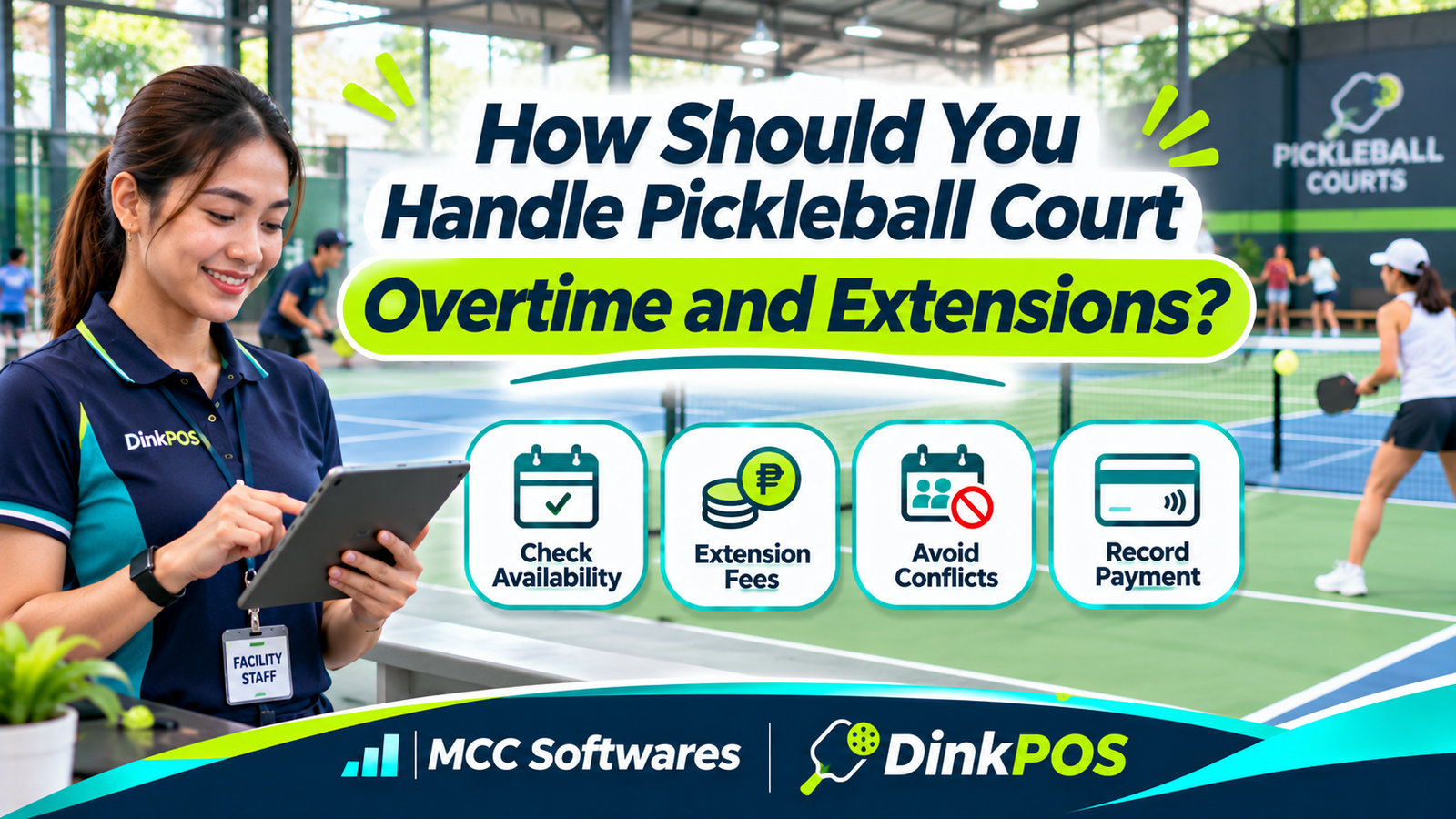
Your customers have booked a pickleball court from 6:00 PM to 8:00 PM. The games are going well, and just before their session ends, they ask for another 30 minutes.
Sounds simple, right?
But what happens if another group has already reserved that court at 8:00 PM?
Managing pickleball court overtime and extensions is an important part of running a facility. Without clear rules, you may face double bookings, payment confusion, delayed sessions, and unhappy customers.
Whether you're operating two courts or managing a larger pickleball facility in the Philippines, here's how to handle extra playing time properly.
What Is the Difference Between Overtime and a Court Extension?
Although people sometimes use these terms interchangeably, it's helpful to distinguish them.
Court extension means a customer requests and receives approval for additional playing time.
Court overtime means the session continues beyond its originally scheduled end time, whether approved or not.
For example, a group booked a court until 8:00 PM.
If they request another 30 minutes and your staff approves it, that's an authorized extension.
If they continue playing until 8:15 PM without permission, that's unapproved overtime.
Your facility should have clear procedures for both situations.
1. Check Court Availability Before Approving Extensions
The first rule is simple: never approve extra playing time without checking the next booking.
Suppose Court 1 is booked from 6:00 PM to 8:00 PM, and another group has reserved it from 8:00 PM to 9:00 PM.
The first group cannot simply extend until 8:30 PM without affecting the next customer.
What Should Your Staff Do?
Check the court schedule before responding.
If the court is available, explain the additional charge and approve the request according to your policy.
If the next time slot is reserved, politely explain that the court must be vacated on schedule.
You can also check whether another court is available.
A published policy from Pickleball Junction in Pasig allows certain extensions only when there are no succeeding reservations. This is a useful example of protecting the next customer's booked time.
2. Set Clear Overtime Rental Rates
Before opening your facility, decide how extra playing time will be charged.
There are several possible approaches.
Option A: Charge Proportionally
If your regular court rental is ₱400 per hour, an additional 30 minutes could cost ₱200.
Calculation:
Overtime fee = Hourly rate × Additional minutes ÷ 60
₱400 × 30 ÷ 60 = ₱200
Option B: Charge in Fixed Time Blocks
You might allow extensions only in 30-minute or one-hour blocks.
This can simplify scheduling and reduce disputes over small differences in time.
Option C: Apply the Rate for the Extended Time Slot
Suppose your regular rate is ₱300 per hour, but your peak-hour rate is ₱450.
If a session extends into peak hours, you can apply the applicable peak-hour rate, provided the policy was communicated beforehand.
These amounts are illustrative, not verified Philippine market averages.
The important thing is to make your pricing understandable before customers agree to an extension.
For more pricing guidance, read our guide to setting pickleball court rental rates.
3. Give Players a Reminder Before Their Session Ends
Customers sometimes lose track of time, especially during close games.
A simple reminder can help avoid uncomfortable conversations.
For example, your staff could notify players 10 minutes before their scheduled end time.
A friendly message might be:
"Hi! Your court reservation ends in 10 minutes. If you'd like to extend, please check with our staff first so we can confirm availability."
This gives players time to finish their game, request an extension, or prepare to leave.
It also gives your team an opportunity to coordinate the next booking.
4. Establish a Policy for Unapproved Overtime
What happens when customers continue playing after their reserved time?
Your facility should have a consistent policy.
Some operators may allow a short transition period. Others may require players to leave immediately when the next reservation begins.
If you decide to charge unapproved overtime, explain the circumstances and fees in your published rules.
For example, Dropshot Pickleball Court in Butuan City states that court use is limited to the booked period and that unapproved overtime may incur additional charges.
That is one facility's policy, not a universal rule for Philippine pickleball courts.
Your rules should be reasonable, visible to customers, and applied consistently.
5. Don't Let Overtime Delay the Next Customer
A common mistake is allowing one group to finish an extra game even though the next customer is already waiting.
This creates a chain reaction.
If the 8:00 PM booking starts 15 minutes late, the 9:00 PM booking may also be affected.
Avoid this by protecting confirmed reservations.
If no extension is available, staff should clearly communicate the end time.
Consider allowing a short operational turnover period between bookings when setting up schedules, especially if your facility needs time for cleaning, equipment collection, or court preparation.
6. Record Every Approved Extension
Even when a customer pays for extra time, the transaction should be recorded.
Otherwise, your booking schedule and sales reports may no longer match actual court usage.
A basic extension record should include:
Original booking reference
Court number
Original end time
New approved end time
Additional rental charge
Payment status and method
Employee who approved the change
For example:
| Booking Detail | Value |
|---|---|
| Court | Court 2 |
| Original schedule | 6:00–8:00 PM |
| Approved extension | 30 minutes |
| New end time | 8:30 PM |
| Additional charge | ₱200 |
| Payment status | Paid |
These details help managers reconcile actual playing time against recorded revenue.
7. Manage Overtime Payments Properly
Facilities may accept cash, GCash, QR Ph, or other payment methods.
Whatever method your business uses, overtime payments should be recorded separately or clearly linked to the original booking.
If a customer pays an additional ₱200 through GCash, staff should verify the transaction through the receiving account before marking it paid.
A payment screenshot alone shouldn't automatically be treated as confirmed receipt.
If your facility allows customers to settle their court and counter charges after playing, make sure the extension remains recorded as unpaid until payment is verified.
This prevents uncollected overtime charges from being reported as money already received.
You can learn more in our guide to accepting GCash payments for pickleball court bookings.
8. Use Court Booking Software to Manage Extensions
Managing extensions through handwritten records may work when your facility has only one court.
But as bookings increase, staff need to know which courts are available, occupied, or reserved next.
A court management system can help maintain the schedule and coordinate changes.
When evaluating software, look for the ability to check availability, adjust booking times, view court activity, record rental charges, and retain transaction history.
It's also worth testing what happens when two employees attempt to extend overlapping bookings.
The system should help prevent scheduling conflicts rather than creating them.
Handle Court Extensions With DinkPOS
DinkPOS, developed by MCC Softwares, is a pickleball court management platform for facilities in the Philippines.
It combines online bookings, live court monitoring, point-of-sale transactions, inventory, equipment rentals, and business reporting.
DinkPOS also provides court timers and extension tools that help staff manage ongoing sessions.
For facility owners, this means court extensions can be handled as part of an organized booking workflow rather than through separate messages or handwritten notes.
Before approving extra time, your staff should still check availability, communicate the additional charge, and follow the facility's payment procedures.
DinkPOS offers a 30-day free trial with no payment method required to start, subject to current terms.
Visit DinkPOS to explore its court booking and management features.
Frequently Asked Questions
Can a pickleball court booking be extended?
Yes, if the facility allows extensions and the additional time is available. Each facility should establish its own booking policy.
How much should a facility charge for overtime?
There is no universal overtime rate. Operators may use proportional hourly charges, fixed extension blocks, or rates based on the time slot.
What if another group has already booked the court?
The existing confirmed reservation should be respected. Staff can decline the extension or offer another available court.
Can DinkPOS help manage court extensions?
DinkPOS provides court monitoring, timers, and extension tools. Owners should test their specific extension and payment workflow during a product demonstration or trial.
Final Thoughts
Pickleball court overtime doesn't have to cause confusion.
Set clear policies, remind players before their session ends, check availability, and record every approved extension.
Most importantly, don't allow an additional game to interfere with someone else's confirmed booking.
A well-managed facility makes playing time fair for everyone while keeping rental charges and reservations organized.
Questions this article answers
- How should you handle pickleball court overtime?
- Can players extend their court reservations?
- How should overtime fees be calculated?
- What if another customer has booked the next time slot?
- Should facilities charge for unapproved overtime?
- How can staff prevent overlapping bookings?
- How should overtime payments be recorded?
- Does DinkPOS support court extension management?
Sources and references
- Pickleball Court Booking in the Philippines: How DinkPOS Works — MCC Softwares
- Court Booking, Court Sharing, Extension and Open Play Policies — Pickleball Junction
- Dropshot Pickleball Court Booking Terms — Dropshot Pickleball Court
- How Should You Set Pickleball Court Rental Rates? — MCC Softwares
- DinkPOS Pickleball Court Management — DinkPOS
Topics covered
PickleballPickleball Court OvertimeCourt Booking ExtensionsDinkPOSMCC SoftwaresPickleball JunctionDropshot Pickleball CourtGCashQR PhPhilippines
Related MCC products and services
Last reviewed for accuracy: 22 November 2026.
Related articles
-
What Should a Pickleball Facility’s Daily Sales Report Include?
Running a pickleball facility? Learn what your daily sales report should include, from court rentals and POS sales to payment methods, unpaid tabs, refunds, and revenue tracking.
-
How Do You Track Paddle Rentals at a Pickleball Facility?
Learn how to track pickleball paddle rentals, record equipment checkouts and returns, manage damage, collect rental fees, and keep your facility's equipment organized with DinkPOS.
-
How Should You Set Pickleball Court Rental Rates?
Not sure how much to charge for your pickleball courts? Learn how to set profitable rental rates in the Philippines using operating costs, local competitors, peak hours, and court utilization.
-
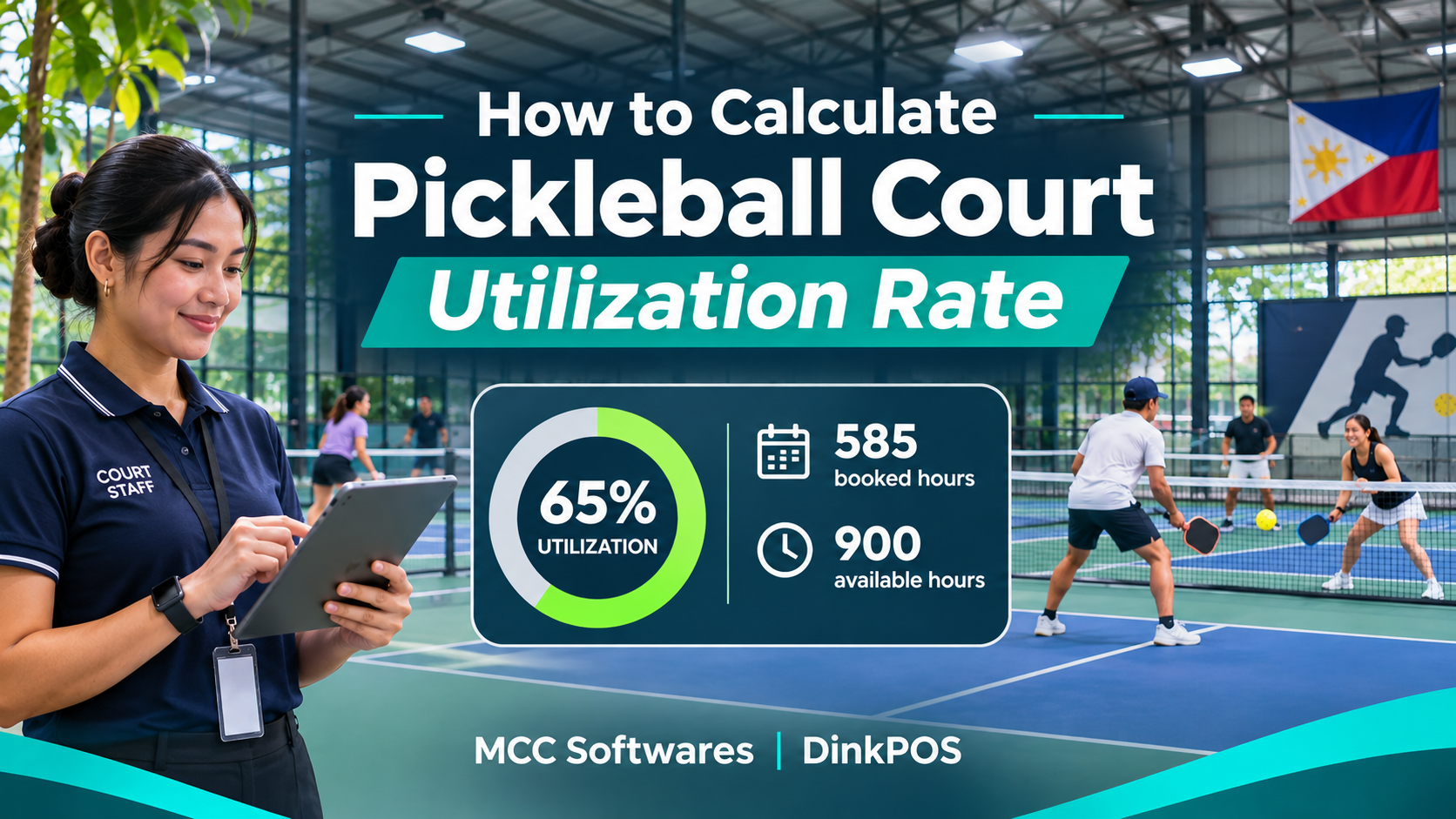
How to Calculate Pickleball Court Utilization Rate
Learn how to calculate pickleball court utilization rate using a simple formula. Discover how to track bookings, measure unused court hours, and improve your facility's performance.
-
Pickleball Court Booking in the Philippines: How DinkPOS Works
Discover how DinkPOS helps players find pickleball courts, check availability, and submit payment proof—and how facility owners manage reservations, court sessions, sales, and inventory.
-
How to Manage Court Rentals, Sales, and Inventory
Running a pickleball facility? Discover how a pickleball POS system simplifies court rentals, online bookings, cashier sales, inventory tracking, and equipment rentals. Learn how DinkPOS helps Philippine pickleball businesses manage daily operations.