Key takeaways
- Appointment scheduling manages future consultation dates and times.
- Queue management organizes patients waiting for consultation.
- Walk-in clinics may prioritize queue management.
- Specialist clinics with advance bookings benefit from scheduling.
- Clinics accepting both need clear check-in and prioritization rules.
- Neither system guarantees shorter waiting times.
- LUNAS EMR provides verified patient queue management features.
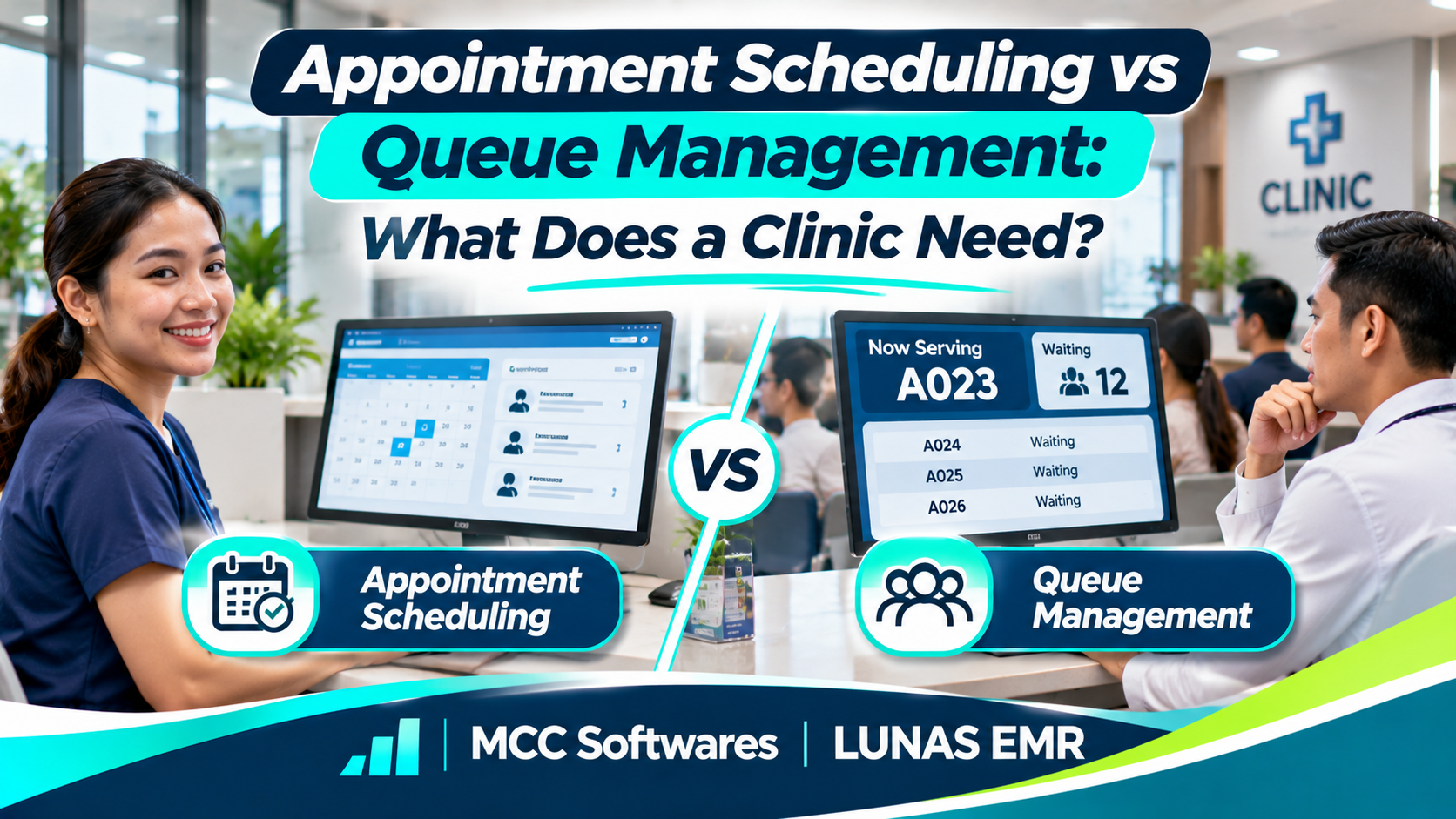
It's Monday morning. Several patients are already waiting outside your clinic, two have appointments, and a few walk-ins are asking if the doctor can still accommodate them.
Your secretary is trying to keep everyone organized while the physician finishes a consultation.
Sound familiar?
Understanding appointment scheduling vs queue management can help clinic owners handle situations like this more efficiently.
Although both systems help organize patient visits, they solve different problems. One manages when patients are expected to arrive, while the other manages what happens after they check in.
So, which does your clinic actually need?
What Is Appointment Scheduling?
Appointment scheduling allows patients to reserve a consultation date and time before visiting your clinic.
For example, a patient might request an appointment with a dermatologist at 2:00 PM on Friday.
Instead of arriving without knowing the doctor's availability, the patient has a planned consultation schedule.
How Appointment Scheduling Helps
A scheduling system can help clinics:
Organize physician availability
Set consultation time slots
Record advance bookings
Manage cancellations and rescheduling
Send appointment reminders, where supported
Reduce overlapping reservations
Appointment scheduling is particularly useful for clinics that operate primarily through scheduled consultations.
However, having an appointment doesn't always mean the patient will be seen at the exact scheduled time.
Consultations sometimes take longer than expected, and urgent medical needs may affect the schedule.
What Is Queue Management?
Queue management focuses on organizing patients who have already arrived or checked in.
For example, your clinic opens at 8:00 AM, and ten patients are waiting for consultation.
Instead of manually calling names from a notebook, a digital queue can help your secretary organize patients and notify the physician when the next person is ready.
How Queue Management Helps
A patient queue system may support:
Patient check-in and registration
Waiting lists for consultations
Assigning patients to physicians
Calling the next patient
Monitoring consultation status
Coordinating reception and consultation rooms
Queue management is especially useful for clinics that accept walk-in patients.
It helps staff understand who's waiting and who should be called next, according to the clinic's established procedures.
Clinical urgency must still take priority where appropriate. A digital queue should never replace proper patient triage.
Appointment Scheduling vs Queue Management: Key Differences
Here's a simple comparison.
| Feature | Appointment Scheduling | Queue Management |
|---|---|---|
| Main purpose | Plan future visits | Manage waiting patients |
| Used before arrival | Yes | Usually not |
| Used during clinic hours | Yes | Yes |
| Manages doctor availability | Commonly | Sometimes |
| Handles walk-ins | Depends on system | Yes |
| Calls the next patient | Usually not | Core function |
| Tracks waiting status | Limited | Commonly |
| Manages cancellations | Yes | Depends on system |
The main difference is timing.
Appointment scheduling organizes when patients should come. Queue management organizes how patients are attended to after they arrive.
Which System Does Your Clinic Need?
The answer depends on how your clinic operates.
If Your Clinic Mostly Accepts Walk-Ins
Imagine a general medical clinic in Cotabato City that accepts patients throughout the morning.
Most people arrive without reservations and wait until the doctor becomes available.
In this situation, a queue management system may be more useful initially.
It can help your secretary maintain an organized waiting list and coordinate with the physician.
If Your Clinic Works by Appointment
Consider a specialist who sees patients at predetermined times.
Appointment scheduling becomes important because it helps manage available consultation slots and avoid conflicting bookings.
The clinic may still benefit from a queue when patients arrive early or consultations take longer than planned.
If Your Clinic Accepts Both
Many clinics handle scheduled appointments and walk-in consultations.
For example, a patient books a 10:00 AM appointment, but three walk-ins arrive before that time.
The clinic needs a clear policy for checking in patients, handling appointments, and prioritizing urgent cases.
A combined scheduling and queue management workflow can be useful here.
Research on outpatient operations also recognizes that appointments and walk-ins create different scheduling and waiting-time challenges. See this published study on clinic registration and walk-ins.
Does Having Both Systems Reduce Waiting Time?
Not automatically.
A clinic can have excellent software and still experience long waits if there are too many patients for the available consultation hours.
Scheduling and queue software help organize information, but actual waiting times also depend on staffing, consultation duration, and patient demand.
The Agency for Healthcare Research and Quality discusses how appointment availability and matching patient demand with clinical capacity affect access to healthcare services.
Before investing in software, review where delays actually happen.
Are patients waiting because appointments overlap? Is registration taking too long? Or is the physician handling more consultations than the available hours allow?
The answer will help you prioritize the right tools.
What Features Should You Look for?
When evaluating clinic management software, consider the following:
Easy patient registration
Clear appointment or queue status
Physician and secretary access
Patient consultation history
Role-based permissions
Simple check-in procedures
Reliable technical support
Reports that help identify workflow problems
If the system stores personal and medical information, privacy protection is essential.
Under the Philippine Data Privacy Act of 2012, patient health information is classified as sensitive personal information.
Make sure the software and clinic procedures provide appropriate safeguards.
Manage Your Patient Queue With LUNAS EMR
If your clinic needs a more organized way to handle patients after they arrive, LUNAS EMR by MCC Softwares includes an integrated patient queue management workflow.
With LUNAS EMR, the secretary can register a patient, add the patient to the consultation queue, and coordinate with the physician.
The physician can call the next patient, and the secretary's dashboard displays the update without requiring a manual refresh.
LUNAS EMR also supports electronic patient records, clinical measurements, prescriptions, medical documents, and billing.
Important: LUNAS EMR's verified patient queue feature should not be confused with a public online appointment booking system. Confirm any additional scheduling requirements with MCC Softwares before subscribing.
Interested in trying the system?
LUNAS EMR offers a 14-day free trial with no credit card required.
Explore LUNAS EMR and see how its patient queue and clinical workflows can support your clinic.
Frequently Asked Questions
Can a clinic operate with queue management only?
Yes. Clinics that primarily accept walk-in patients may find a queue management system sufficient for organizing daily consultations.
Does appointment scheduling eliminate waiting?
No. Unexpected delays, longer consultations, and urgent cases can still affect scheduled appointments.
Can appointment scheduling and queue management work together?
Yes. Appointment scheduling plans visits in advance, while queue management coordinates patients after they arrive.
Does LUNAS EMR include patient queue management?
Yes. LUNAS EMR supports patient registration, consultation queues, physician call-next actions, and live updates to the secretary's dashboard.
Final Thoughts
Choosing between appointment scheduling and queue management doesn't have to be complicated.
If most of your patients book ahead, appointment scheduling may be your priority. If your clinic handles daily walk-ins, queue management may solve more immediate problems.
For clinics that handle both, a connected workflow can make daily operations easier to organize.
The goal isn't to use more software. It's to help your staff manage patient visits in a way that works for your clinic.
Questions this article answers
- What is appointment scheduling?
- What is patient queue management?
- What is the difference between appointment scheduling and queue management?
- Does a small clinic need both systems?
- Which system works better for walk-in patients?
- Does scheduling eliminate waiting time?
- Does LUNAS EMR provide patient queue management?
Sources and references
- Analysis of Waiting Time in Clinic Registration — PubMed Central
- Open Access Scheduling for Routine and Urgent Appointments — AHRQ
- Data Privacy Act of 2012 — National Privacy Commission
- LUNAS EMR Philippines — MCC Softwares
- LUNAS EMR Frequently Asked Questions — MCC Softwares
Topics covered
Appointment SchedulingPatient Queue ManagementElectronic Medical RecordsLUNAS EMRMCC SoftwaresAHRQNational Privacy CommissionData Privacy Act of 2012Philippines
Related MCC products and services
Last reviewed for accuracy: 17 November 2026.
Related articles
-
Cloud-Based vs On-Premise EMR: Which Is Better for Your Clinic?
Cloud-based or on-premise EMR? Compare costs, internet requirements, data security, maintenance, and accessibility to find the right electronic medical records system for your Philippine clinic.
-
How to Implement an EMR System in Your Clinic
Switching from paper charts to electronic medical records? Learn how to prepare your clinic, choose an EMR system, protect patient data, train your staff, and make the transition easier.
-
Electronic Patient Records: A Guide for Clinics in Mindanao
Still using paper patient charts? Learn how electronic patient records can help clinics in Mindanao organize consultations, protect patient information, and simplify everyday operations.
-
How to Choose the Best EMR System for Your Clinic in the Philippines
Choosing an EMR starts with your clinic’s daily work. Use this practical guide to compare features, privacy safeguards, connectivity, costs, migration and support before committing.
-
Best EMR Software in the Philippines: 2026 Guide
Compare LUNAS EMR, SeriousMD and MYCURE for Philippine clinics. Learn what to check about records, consultations, offline access, costs, privacy and support before choosing an EMR.
-
LUNAS EMR: The Electronic Medical Record System Built for Every Clinic
Discover LUNAS EMR, a web-based medical record system by MCC Softwares. Features, pricing, and a 14-day free trial—no credit card required.