Key takeaways
- Identify daily clinic problems before selecting EMR software.
- Choose features based on actual clinical workflows.
- Verify patient information during data migration.
- Protect records through appropriate permissions and security procedures.
- Train physicians and administrative staff before going live.
- Test complete patient workflows and prepare for downtime.
- Consider a gradual rollout rather than switching everything at once.
If your clinic still relies on paper patient records, you've probably experienced the frustration of searching for a missing folder while patients are waiting.
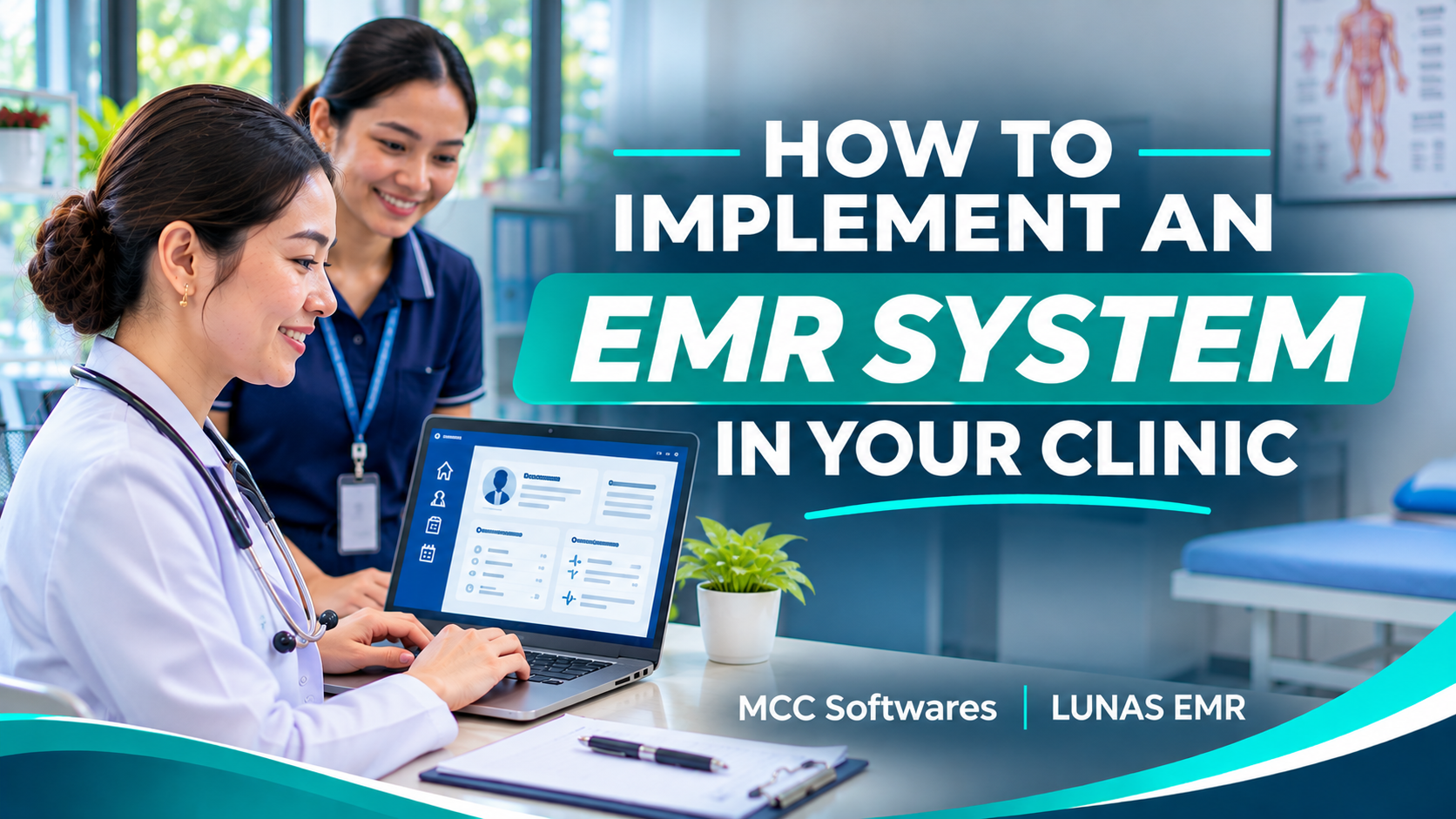
Learning how to implement an EMR system can help you move away from these everyday problems. But switching to electronic medical records isn't as simple as installing software and asking everyone to start using it.
Your doctors, nurses, and clinic staff need a system that fits how they actually work.
Whether you're running a small clinic in Cotabato City, Davao City, or elsewhere in the Philippines, here's how to make the transition more manageable.
Step 1: Review Your Current Clinic Workflow
Before choosing an EMR, look at what happens during a typical patient visit.
A patient arrives, registers at the reception desk, waits for consultation, sees the physician, receives a prescription, and settles any applicable fees.
Which parts of that process take the most time?
Perhaps staff regularly search for previous consultation notes. Maybe prescriptions are prepared manually, or billing information gets entered twice.
Understanding these problems will help you identify which features matter most.
Step 2: Choose the Right EMR Software
Not all clinics have the same requirements.
A general medical clinic may need patient registration, consultation records, prescriptions, and billing. A specialist might also need customized clinical forms and measurement templates.
When comparing EMR software, check for:
Easy patient registration and record retrieval
Consultation history and physician charts
Prescription and document templates
Laboratory result management
Staff access permissions
Billing and reporting
Reliable technical support
Don't choose software simply because it has the longest feature list.
Ask for a demonstration and see whether the system handles a normal patient visit comfortably.
Step 3: Prepare Your Existing Patient Records
One question clinic owners often ask is, "What happens to all our old patient folders?"
You don't necessarily have to encode every historical record before going live.
A practical approach is to begin with new patient registrations, then gradually transfer important information for returning patients.
Check Records Before Transferring Them
Make sure patient names, birth dates, medical histories, allergies, and other relevant information are entered correctly.
It's also important to avoid duplicate patient profiles.
Keep physical records according to applicable retention rules, even after important information has been transferred digitally.
Step 4: Configure Your Clinic's Settings
Once you've selected your EMR, set it up according to your clinic's daily operations.
This may include your clinic information, physician accounts, clinical measurements, prescription formats, and consultation templates.
Assign Proper Staff Permissions
Your receptionist might need access to registration and patient queues, while physicians require access to consultation records.
Not every employee should have permission to modify medical information.
Under the Philippine Data Privacy Act of 2012, patient health information is considered sensitive personal information.
Clinics must establish appropriate safeguards to protect it.
Your clinic should also discuss backups, passwords, account management, and security procedures with the software provider.
Step 5: Train Your Doctors and Staff
Even a simple EMR can feel unfamiliar during the first few days.
Give everyone a chance to practice before using the system with actual patients.
Have your receptionist practice registering patients and managing queues. Physicians can try recording consultation notes, reviewing medical histories, and preparing prescriptions.
Use fictional patient information during training.
It's also helpful to appoint someone who can collect staff questions and coordinate with the software provider.
According to the Health IT Playbook, training and workflow preparation are important parts of a successful electronic record implementation.
Step 6: Test the System Before Going Live
Before switching your daily operations, simulate a complete patient visit.
Start by registering a test patient, adding consultation information, preparing a prescription, and checking the billing process.
Then test how the system behaves when a staff member has restricted permissions.
Don't forget to ask what happens during an internet outage or technical problem.
A clinic needs an appropriate backup procedure so essential care and documentation can continue safely if the system becomes unavailable.
Step 7: Start Small and Make Improvements
You don't have to switch every part of your clinic on the same day.
Consider starting with a limited number of patients or one physician's workflow.
Once the staff becomes comfortable, you can gradually expand its use.
Ask your team for feedback. Are patient records easier to find? Is documentation taking less time? Are there steps that still feel confusing?
The goal is to improve daily operations, not introduce unnecessary complications.
Make the Transition Easier With LUNAS EMR
If you're looking for electronic medical record software for your clinic, LUNAS EMR by MCC Softwares is worth exploring.
Developed for Philippine healthcare providers, LUNAS EMR helps clinics manage patient information, physician consultations, prescriptions, medical documents, patient queues, and billing.
It also supports customizable patient fields, physician charts, document templates, and role-based permissions.
Instead of managing several disconnected records, your clinic can organize important activities through one platform.
LUNAS EMR offers a 14-day free trial with no credit card required, allowing your team to explore the software before subscribing.
Start your free LUNAS EMR trial.
Frequently Asked Questions
How long does it take to implement an EMR?
It depends on your clinic's size, staff readiness, existing patient records, and chosen software. Start with a realistic plan rather than rushing the transition.
Can a small clinic use an EMR?
Yes. Small clinics can benefit from electronic patient records, especially when managing returning patients, consultations, and prescriptions.
Can I continue using paper records during the transition?
Yes, where appropriate. Establish clear procedures to prevent incomplete or conflicting records and maintain required documentation.
Final Thoughts
Implementing an EMR system doesn't need to be overwhelming.
Start by understanding your clinic's workflow, choose practical software, prepare your records, and train your staff properly.
With careful planning, electronic medical records can help make your clinic more organized while allowing your team to focus on patient care.
Questions this article answers
- How do I implement an EMR system in my clinic?
- What should I prepare before switching to EMR?
- How do I transfer paper patient records?
- How should clinic staff be trained?
- What security measures should an EMR have?
- Can small clinics implement electronic medical records?
- How can I test an EMR before going live?
Sources and references
- Health IT Playbook: Electronic Health Records — HealthIT.gov
- Implementing Health IT — ASTP/ONC
- Data Privacy Act of 2012 — National Privacy Commission
- LUNAS EMR Philippines — MCC Softwares
Topics covered
Electronic Medical RecordsEMR ImplementationLUNAS EMRMCC SoftwaresNational Privacy CommissionData Privacy Act of 2012PhilippinesCotabato CityDavao CityClinic Management Software
Related MCC products and services
Related articles
-
How to Choose the Best EMR System for Your Clinic in the Philippines
Choosing an EMR starts with your clinic’s daily work. Use this practical guide to compare features, privacy safeguards, connectivity, costs, migration and support before committing.
-
Best EMR Software in the Philippines: 2026 Guide
Compare LUNAS EMR, SeriousMD and MYCURE for Philippine clinics. Learn what to check about records, consultations, offline access, costs, privacy and support before choosing an EMR.
-
LUNAS EMR: The Electronic Medical Record System Built for Every Clinic
Discover LUNAS EMR, a web-based medical record system by MCC Softwares. Features, pricing, and a 14-day free trial—no credit card required.