Key takeaways
- Cloud-based EMR typically has lower upfront infrastructure costs.
- On-premise EMR requires clinic-managed servers and maintenance.
- Cloud systems generally depend on reliable internet connectivity.
- Local hosting may allow operation without public internet access.
- Neither option guarantees security or data privacy compliance.
- Clinics should evaluate overall costs, backups, support, and data portability.
- LUNAS EMR offers browser-based electronic medical records for Philippine clinics.
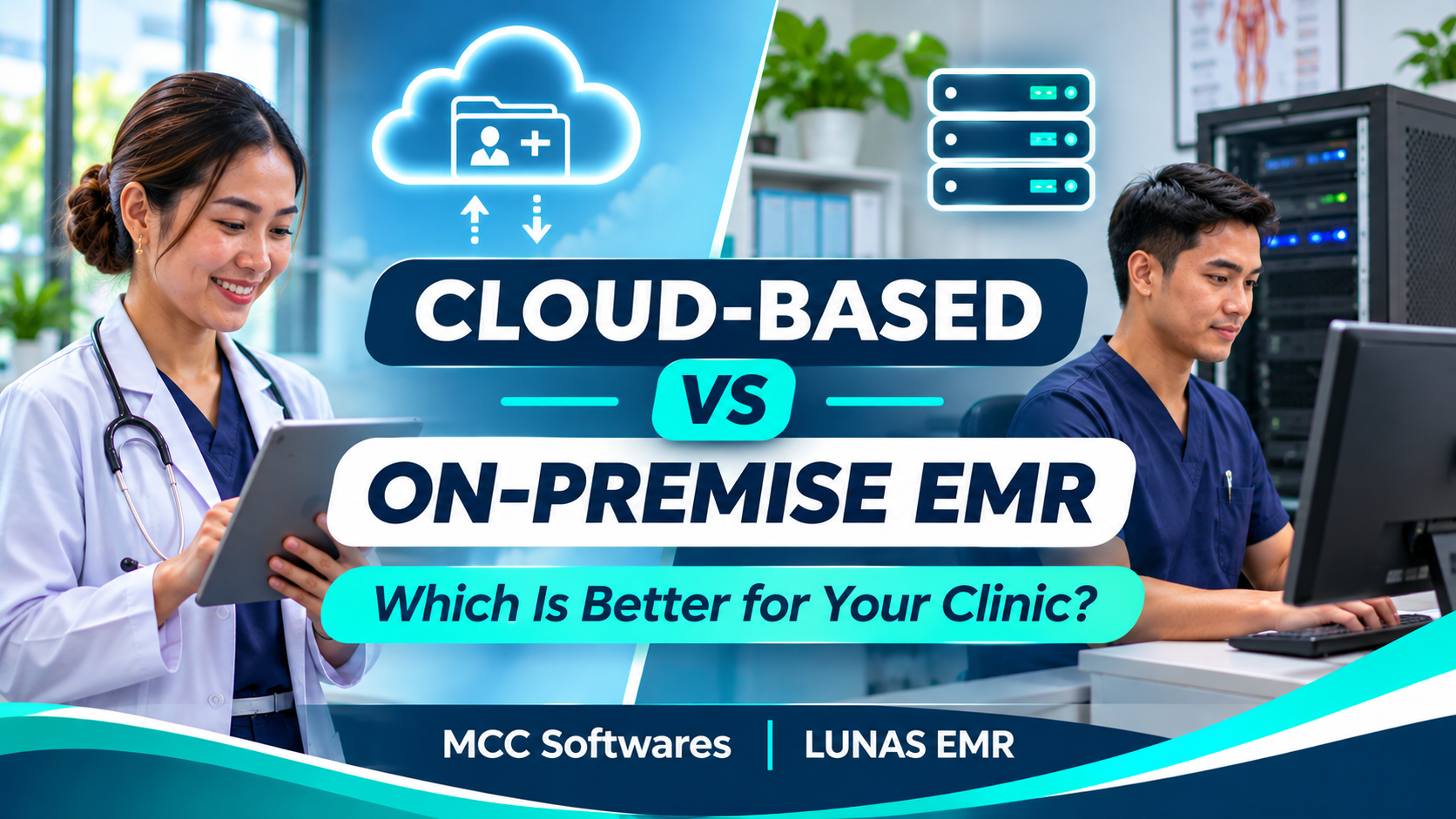
If you're planning to digitize your clinic's patient records, you've probably encountered two options: cloud-based and on-premise electronic medical record systems.
Understanding cloud-based vs on-premise EMR is important because your choice affects how doctors access patient records, how much maintenance your clinic handles, and what happens when your internet connection goes down.
For clinics in the Philippines, especially smaller practices with limited IT resources, choosing the right setup can make everyday operations much easier.
So, which option makes more sense for your clinic?
What Is a Cloud-Based EMR System?
A cloud-based EMR stores and manages patient records on remote servers operated by a software provider or hosting service.
Instead of installing an entire system on a clinic server, authorized users typically access it through a web browser.
For example, a physician in Cotabato City could open patient records from a clinic computer or compatible tablet, provided there's an internet connection and the appropriate account permissions.
Advantages of Cloud-Based EMR
One of the biggest advantages is convenience.
Cloud-based systems commonly offer:
Lower initial server and infrastructure costs
Access from supported devices
Updates managed by the software provider
Less need for in-house server maintenance
Flexible subscription arrangements
This makes cloud-based EMR worth considering for smaller clinics that don't have dedicated IT personnel.
What Are the Disadvantages?
Internet reliability is an important concern.
If your clinic loses connectivity, access to a cloud-based system may be interrupted unless the provider offers a specific offline feature.
You also depend on the provider's infrastructure, security practices, and service availability.
Before subscribing, ask how backups, outages, data exports, and technical support are handled.
What Is an On-Premise EMR System?
An on-premise EMR runs on servers or computers maintained within your clinic or organization's premises.
Patient information is stored and managed through the facility's own infrastructure rather than through a vendor-hosted cloud service.
For clinics with dedicated IT support, this arrangement may provide greater control over local infrastructure and system administration.
Advantages of On-Premise EMR
An on-premise setup may offer:
Greater control over local servers and infrastructure
Local-network access without depending on the public internet, if configured appropriately
More control over certain system configurations
Infrastructure managed according to internal IT policies
For larger healthcare organizations with existing servers and technical personnel, these benefits may be valuable.
What Are the Disadvantages?
Running your own servers involves additional responsibilities.
Your clinic may need to purchase equipment, configure networks, maintain backups, install updates, and respond to hardware failures.
You'll also need appropriate physical security, power protection, and disaster recovery procedures.
On-premise doesn't mean maintenance-free or automatically more secure.
Cloud-Based vs On-Premise EMR: Key Differences
Here's a practical comparison for clinic owners.
| Feature | Cloud-Based EMR | On-Premise EMR |
|---|---|---|
| Data hosting | Remote servers | Clinic-managed servers |
| Initial investment | Often lower | Often higher |
| Maintenance | Primarily provider-managed | Primarily clinic-managed |
| Internet requirement | Usually required | Local access may work without internet |
| Remote access | Commonly supported | Requires additional configuration |
| Backups | Provider and clinic responsibilities | Clinic responsibility |
| Updates | Often provider-managed | Requires local administration |
| Security | Shared responsibilities | Primarily internal responsibilities |
These differences reflect common deployment models, not guarantees for every product.
The Health IT Playbook provides additional guidance on cloud and locally hosted electronic records.
Which EMR Is More Affordable?
Cost is often a deciding factor, especially for clinics just starting their digital transition.
Cloud-Based EMR Costs
Cloud subscriptions may involve monthly or annual fees, with hosting and software maintenance included in the plan.
However, clinics should still budget for internet connectivity, compatible devices, training, and possible data migration expenses.
On-Premise EMR Costs
An on-premise system may require a larger initial investment for servers, networking equipment, installation, and technical setup.
Ongoing costs can include electricity, hardware replacement, software licenses, maintenance, and IT personnel.
The more affordable option depends on your clinic's size, existing infrastructure, and long-term requirements.
Ask providers for a clear breakdown of initial and recurring expenses before making a decision.
Which Option Is Safer for Patient Records?
Neither cloud-based nor on-premise EMR is automatically safer.
Both can be secure when properly designed, configured, and maintained.
Under the Philippine Data Privacy Act of 2012, health information is sensitive personal information requiring appropriate safeguards.
For cloud-based systems, clinics should evaluate the provider's security controls, hosting arrangements, access permissions, and data-processing agreements.
For on-premise systems, the clinic must address server security, access restrictions, updates, backups, and physical protection.
The National Privacy Commission provides guidance on protecting personal information.
Which EMR Should Your Clinic Choose?
A cloud-based EMR may be a practical option if your clinic has reliable internet, limited IT staff, and wants to avoid managing its own servers.
An on-premise EMR may make more sense if your organization already maintains suitable infrastructure and needs greater control over local hosting.
For clinics in areas with unstable internet, ask whether the proposed system supports offline workflows. Don't assume local hosting solves every connectivity or downtime problem.
It's also worth reviewing how the system handles patient registration, consultations, prescriptions, laboratory documents, and billing.
After all, the best hosting arrangement won't help much if the software doesn't fit how your clinic operates.
Explore Cloud-Based EMR With LUNAS EMR
If you're considering a cloud-based solution, LUNAS EMR by MCC Softwares is designed to help Philippine clinics organize their medical records and everyday operations.
LUNAS EMR is a browser-based platform with features for patient information, physician consultations, prescriptions, laboratory documents, patient queues, and billing.
It also includes customizable clinical templates and role-based access permissions.
Doctors and authorized staff can use supported Windows, Android, and Apple devices without maintaining a dedicated clinic server for the application.
LUNAS EMR offers a 14-day free trial with no credit card required.
Start your free LUNAS EMR trial to explore how the platform works with your clinic's workflow.
Frequently Asked Questions
Can cloud-based EMR work without internet?
Most cloud-based systems require an internet connection. Some products offer offline features, but you should verify availability directly with the provider.
Is on-premise EMR more secure?
Not necessarily. Security depends on access controls, maintenance, system design, backups, and proper data-handling procedures.
Is cloud-based EMR suitable for small clinics?
Often, yes. Clinics without dedicated IT personnel may benefit from provider-managed hosting and updates, provided connectivity and other requirements are suitable.
Final Thoughts
Choosing between cloud-based and on-premise EMR isn't about finding one option that's universally better.
It's about understanding your clinic's budget, internet reliability, technical resources, and daily workflow.
For many smaller practices, cloud-based EMR can be a convenient starting point. For organizations with established IT infrastructure, on-premise hosting may provide advantages.
Whichever you choose, prioritize patient privacy, dependable support, and software your team can comfortably use.
Questions this article answers
- What is the difference between cloud-based and on-premise EMR?
- Is cloud-based EMR better for small clinics?
- Does on-premise EMR work without internet?
- Which EMR option is more affordable?
- Is cloud-based EMR secure for patient information?
- What should Philippine clinics consider before choosing EMR hosting?
Sources and references
- Electronic Health Records: Cloud-Based and Locally Hosted Systems — HealthIT.gov
- Data Privacy Act of 2012 — National Privacy Commission
- Data Security — National Privacy Commission
- Implementing Rules and Regulations of the Data Privacy Act — National Privacy Commission
- LUNAS EMR — MCC Softwares
Topics covered
Cloud-Based EMROn-Premise EMRElectronic Medical RecordsLUNAS EMRMCC SoftwaresNational Privacy CommissionData Privacy Act of 2012PhilippinesCotabato City
Related MCC products and services
Last reviewed for accuracy: 13 November 2026.
Related articles
-
How to Choose the Best EMR System for Your Clinic in the Philippines
Choosing an EMR starts with your clinic’s daily work. Use this practical guide to compare features, privacy safeguards, connectivity, costs, migration and support before committing.
-
Best EMR Software in the Philippines: 2026 Guide
Compare LUNAS EMR, SeriousMD and MYCURE for Philippine clinics. Learn what to check about records, consultations, offline access, costs, privacy and support before choosing an EMR.