Key takeaways
- Test before changing hosting or rebuilding the site.
- Compress oversized images and use appropriate image formats.
- Avoid lazy-loading the main above-the-fold image.
- Remove unnecessary plugins and scripts carefully.
- Investigate server response and database performance.
- Configure caching appropriately for public and private content.
- Monitor Google's Core Web Vitals.
- Improve performance based on measured bottlenecks.
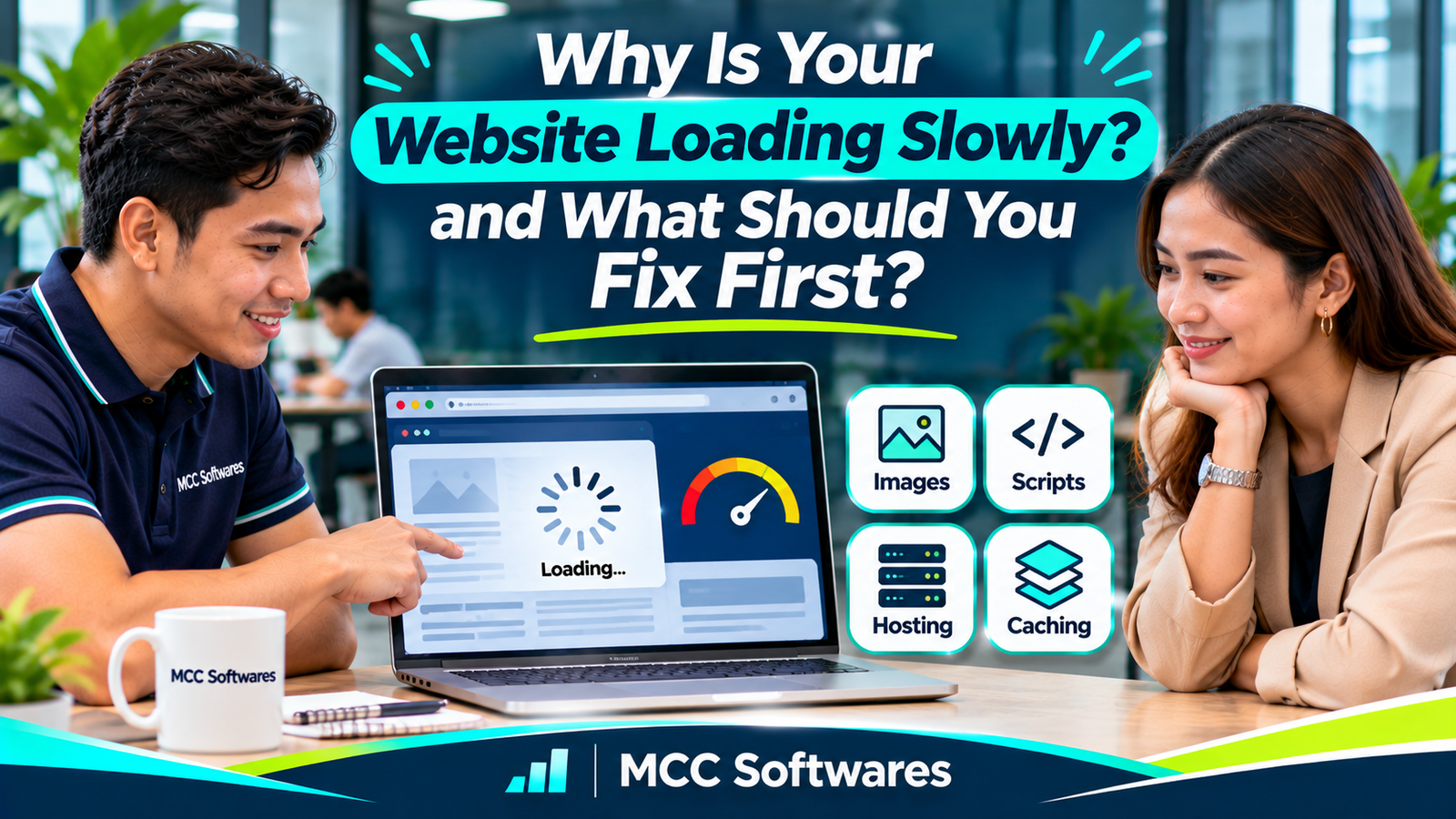
Is your website loading slowly, especially when customers open it on their phones?
Maybe your homepage takes several seconds to appear. Or visitors see a blank screen while waiting for images and other content to load.
It's frustrating, particularly when you've already invested in a professional-looking website.
For businesses in the Philippines, slow loading can make it harder for customers to browse services, check products, or submit inquiries.
The good news is that you don't always need to rebuild your entire website.
Start by finding out what's causing the problem.
How Do You Know If Your Website Is Too Slow?
Before changing anything, test your website.
Open Google PageSpeed Insights, enter your website address, and run the analysis.
It provides mobile and desktop performance information, along with recommendations for improvement.
Google also measures website experience using three Core Web Vitals:
| Metric | What It Measures | Good Threshold |
|---|---|---|
| Largest Contentful Paint (LCP) | Main content loading | 2.5 seconds or less |
| Interaction to Next Paint (INP) | Responsiveness to interactions | 200 milliseconds or less |
| Cumulative Layout Shift (CLS) | Unexpected layout movement | 0.1 or less |
These thresholds come from Google Search Central.
Don't worry if the technical terms seem complicated. The important question is whether visitors can see and use your website comfortably.
1. Your Images Are Too Large
One common reason websites load slowly is oversized images.
Imagine uploading a 5 MB photograph directly from your camera just to display it as a small homepage banner.
Visitors may have to download far more image data than necessary.
What Should You Fix?
Start with the largest images on your homepage and important service pages.
Resize them to appropriate display dimensions, compress them, and consider efficient formats such as WebP or AVIF.
For images farther down the page, lazy loading can help avoid unnecessary initial downloads.
However, don't automatically lazy-load the main image visible when the page first opens. Delaying that image can actually make loading performance worse.
Google's image performance guidance explains why image size and loading priority matter.
Start here if your website contains large banners, galleries, or product photographs.
2. Your Website Uses Too Many Scripts and Plugins
Some websites gradually become slower as more features are added.
You might install plugins for pop-ups, live chat, animations, tracking, social media feeds, and other functions.
Individually, these features may seem harmless.
Together, they can increase the amount of JavaScript and other resources the browser needs to process.
What Should You Fix?
Review your website's scripts and plugins.
Identify those that are outdated, duplicated, unnecessary, or expensive to load.
Remove only what you no longer need, and test the website after each change.
For essential scripts, your developer may be able to delay noncritical execution or reduce unnecessary work.
Don't uninstall important plugins or remove scripts without checking whether they support your website's forms, analytics, or security.
3. Your Hosting Server Is Responding Slowly
Sometimes the issue isn't your website design.
It may be your hosting environment.
For example, a small business website on shared hosting may experience delays if the server is overloaded, poorly configured, or running inefficient application code.
A slow database query can also delay the page before the browser even receives the content.
Should You Upgrade Your Hosting?
Not immediately.
Ask your developer to check server response times, resource usage, error logs, caching, and database performance.
If the server is consistently reaching its limits, a hosting upgrade may help.
However, upgrading your hosting won't necessarily fix oversized images or inefficient scripts.
Identify the cause before spending more money.
4. Your Website Isn't Using Caching Effectively
Caching allows certain website resources or generated responses to be reused instead of being downloaded or recreated unnecessarily.
For example, your company logo, stylesheets, and other static files don't need to be fetched from scratch on every visit when appropriate browser caching is configured.
Server-side caching can also help certain websites reduce repeated processing.
What Should You Fix?
Ask your developer to review browser caching, server caching, and whether a content delivery network (CDN) would be useful.
A CDN can deliver static resources through servers geographically closer to visitors.
But caching needs careful configuration.
Incorrect caching can cause customers to see outdated information or, in poorly designed applications, expose content that shouldn't be shared.
5. Your Website Loads Too Many Fonts and Visual Effects
A website doesn't need complicated animations to look professional.
Custom fonts, video backgrounds, moving elements, and visual effects can add extra resources and processing work.
For example, an animated homepage may look impressive on a desktop computer but perform poorly on an older smartphone.
Consider whether each effect genuinely improves the customer experience.
Keep Important Information Easy to Access
For most business websites, visitors want to find services, prices, operating hours, and contact details.
Prioritize those essentials.
You can still have a modern design without making customers wait for unnecessary effects.
6. Your Mobile Website Needs Optimization
A website may load reasonably well on a fast office connection but struggle on mobile data.
This is why testing only on a desktop computer isn't enough.
Customers may use Android phones, iPhones, older devices, or less reliable internet connections.
Check whether your website works smoothly under realistic mobile conditions.
Pay particular attention to oversized images, difficult navigation, unresponsive buttons, and heavy JavaScript.
A responsive layout is important, but mobile-friendly design and fast loading are not automatically the same thing.
7. Your Website Hasn't Been Maintained
Websites need ongoing maintenance.
Over time, old plugins, outdated libraries, inefficient database records, and unnecessary files can affect performance or security.
However, updates shouldn't be installed blindly on a live business website.
Before making significant changes, create a backup and test whether the updates are compatible.
You should also review whether your website is using a supported version of its platform and dependencies.
Regular maintenance helps prevent small technical problems from becoming larger ones.
What Should You Fix First?
If your website is slow, don't try to change everything at once.
Use this practical order:
| Priority | What to Check | Recommended Action |
|---|---|---|
| 1 | Main images and page resources | Compress oversized assets and fix unnecessary downloads |
| 2 | Slow-loading page content | Identify the LCP element and optimize its loading |
| 3 | Scripts and plugins | Remove unnecessary processing and delay noncritical scripts |
| 4 | Hosting and database | Investigate response times, queries, and resource limits |
| 5 | Caching | Improve browser and server caching where appropriate |
| 6 | Mobile performance | Test on real devices and slower connections |
This is a starting order, not a universal diagnosis.
If PageSpeed Insights identifies slow server response as the main problem, address that first. If an oversized homepage image is responsible for most of the delay, begin there instead.
The best first fix is the one targeting your website's actual bottleneck.
Does Website Speed Affect Google Rankings?
Website performance can contribute to Google's assessment of page experience.
However, a perfect PageSpeed score doesn't automatically mean your website will rank first.
Google considers many factors, including how relevant and useful your content is to the searcher.
Its Core Web Vitals guidance recommends good loading, responsiveness, and visual stability without promising rankings.
Think of website speed as part of providing a better customer experience—not a shortcut to the top of Google Search.
Website Development and Performance Improvements by MCC Softwares
At MCC Softwares, we develop websites, custom web applications, and digital business solutions for organizations in the Philippines.
Our web application development services include responsive interfaces and performance considerations for browser-based applications.
We also provide software maintenance and support for agreed technical requirements.
Whether you're building a new website or reviewing an existing platform, identifying the actual performance problem should come before major changes.
You may also find our guide to mobile-friendly business websites useful.
Need help reviewing your website?
Contact MCC Softwares to discuss your technical requirements and possible improvements.
Frequently Asked Questions
Why is my website slow even with fast internet?
Your connection is only one factor. Large images, server delays, scripts, or inefficient application code can still slow down your website.
Is PageSpeed Insights free?
Yes. Google PageSpeed Insights is a free tool that analyzes website performance and suggests improvements.
Will upgrading hosting make my website faster?
It may help if server resources are the bottleneck. It won't necessarily resolve poorly optimized images, JavaScript, or website code.
Should I rebuild my website if it's slow?
Not always. Many websites can be improved through targeted optimizations. A rebuild may be worth considering when the current platform is difficult to maintain or no longer meets business requirements.
Final Thoughts
A slow website doesn't always need a complete redesign.
Start by testing its performance, then focus on oversized images, scripts, server response times, caching, and mobile usability.
Fix the most significant problem first, measure the result, and continue improving from there.
A good business website shouldn't make customers wait unnecessarily just to find the information they need.
Questions this article answers
- Why is my website loading slowly?
- What should I fix first on a slow website?
- How do large images affect website speed?
- Can plugins and JavaScript slow down a website?
- Does hosting affect website loading time?
- What is website caching?
- What are Google's Core Web Vitals?
- Does website speed affect SEO?
- Should I redesign or rebuild a slow website?
Sources and references
- Understanding Core Web Vitals and Google Search Results — Google Search Central
- About PageSpeed Insights — Google for Developers
- Optimize Largest Contentful Paint — web.dev
- Image Performance Issues — web.dev
- Optimize Resource Loading — web.dev
- Web Application Development — MCC Softwares
- Software Maintenance and Support — MCC Softwares
Topics covered
MCC SoftwaresGoogle PageSpeed InsightsGoogle Search CentralCore Web VitalsLargest Contentful PaintInteraction to Next PaintCumulative Layout ShiftWebPAVIFContent Delivery NetworkWebsite PerformancePhilippines
Related MCC products and services
Last reviewed for accuracy: 21 November 2026.
Related articles
-
What Should You Check in a Software Development Proposal?
Before hiring a software developer, learn what to check in a proposal, including project scope, development costs, timelines, source code ownership, security, testing, and ongoing support.
-
How Much Does Custom Software Development Cost in the Philippines?
Planning to build custom software for your business? Explore published software development prices in the Philippines, the factors that affect your budget, and how to get an accurate quotation.
-
Website Development in Davao: A Business Owner’s Planning Guide
Planning a business website in Davao? Learn how to define your goals, compare proposals, budget for ongoing costs, and prepare for launch with clear ownership and support arrangements.
-
Custom Web Application Development for Small Businesses
Is custom web application development worth it for your small business? Compare ready-made software, total costs, potential benefits, and the questions to ask before hiring a developer.