Key takeaways
- Test complete patient workflows, not just individual features.
- Check whether consultation forms match your medical specialty.
- Verify prescription and document accuracy.
- Test patient queue and billing workflows.
- Confirm staff permissions and privacy safeguards.
- Use fictional or appropriately de-identified test records.
- Evaluate devices, connectivity, training, and support.
- Review trial expiration and data access terms before subscribing.
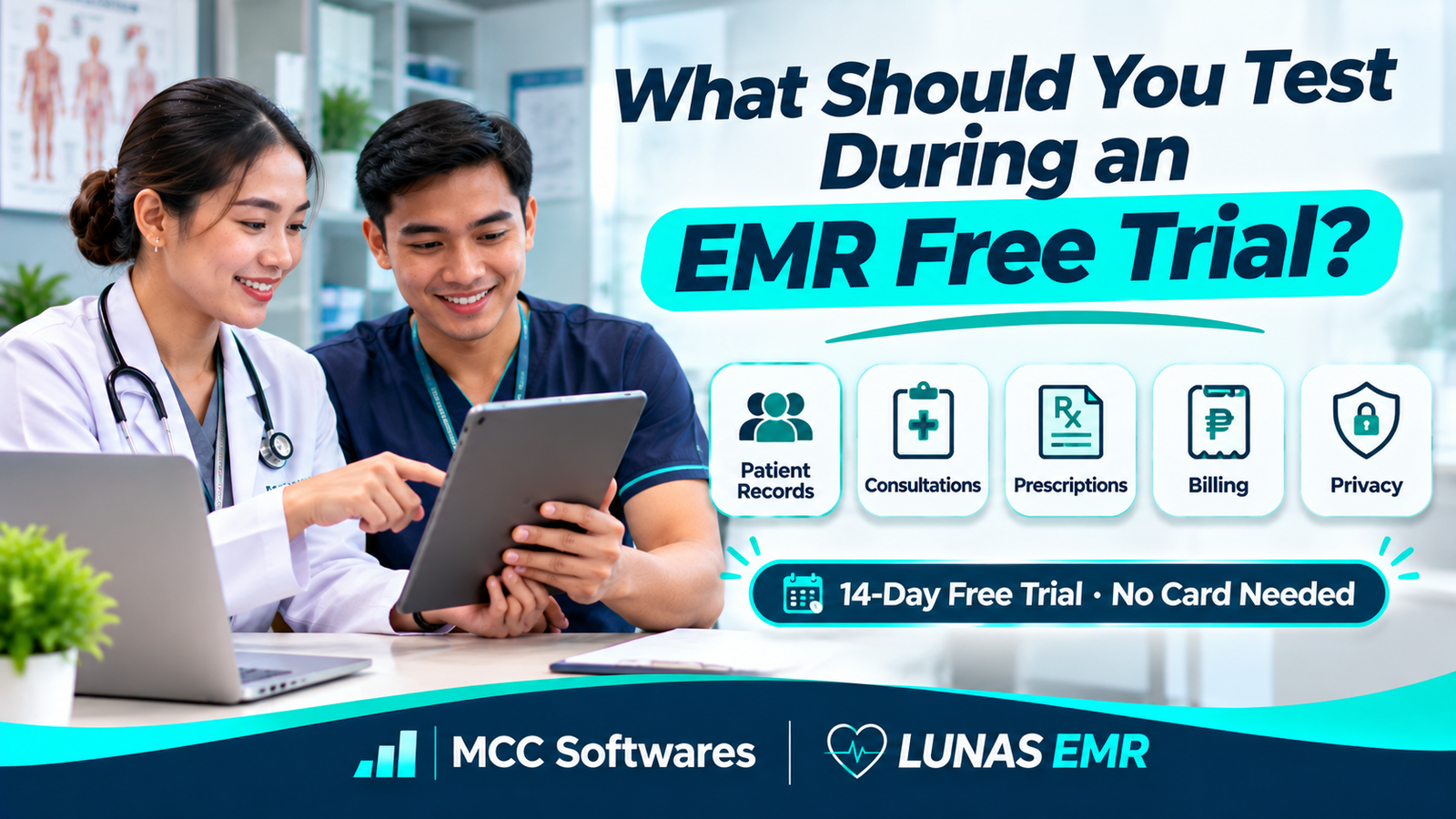
An EMR free trial is your opportunity to find out whether an electronic medical records system actually fits your clinic before paying for a subscription.
A system might look impressive during a demonstration, but that doesn't necessarily mean it will work smoothly for your secretary, physicians, and billing staff.
Imagine subscribing to an EMR only to discover that its consultation forms don't match your specialty or that your employees struggle to find previous patient records.
That's why you shouldn't spend the entire trial simply exploring buttons.
Instead, test the software using the same tasks your clinic handles every day.
Here's a practical checklist for clinics in the Philippines.
1. Test Patient Registration and Record Management
Start with one of the most common clinic activities: registering a patient.
Try creating a sample patient record using fictional information.
Check whether you can enter the patient's name, contact information, birth date, medical history, and other information relevant to your practice.
What Should You Check?
Can staff register patients without unnecessary steps?
Can existing patient records be searched easily?
Does the system help prevent duplicate patient entries?
Can authorized users update patient details?
Is previous consultation information easy to retrieve?
For clinics transitioning from paper records, consider how existing patient information will be entered or migrated.
Avoid uploading actual patient records into a trial environment unless the provider's data protection arrangements have been reviewed and approved.
2. Test Your Actual Consultation Workflow
An EMR shouldn't force your physician to follow a confusing process just to document a consultation.
Try completing a realistic encounter from beginning to end.
For example, register a sample patient, record vital signs, enter consultation notes, document a diagnosis, and prepare the necessary medical forms.
Check Whether Forms Match Your Specialty
Different medical specialties need different information.
A pediatrician may need growth measurements, while another specialist may require specific clinical assessments.
Look for customizable fields, templates, and clinical measurements.
The goal is to see whether the software supports your clinic's workflow without requiring excessive workarounds.
3. Test Prescriptions and Medical Documents
Many clinics regularly prepare prescriptions, laboratory requests, medical certificates, and other documents.
During the free trial, test whether these documents can be created accurately.
Check if the physician can enter the necessary clinical information and review the document before printing.
Also test the printed layout.
A document that looks fine on screen might not fit properly on your clinic's preferred paper size.
Make sure prescription details and other medical information can be reviewed carefully before release.
4. Check Patient Queue Management
If your clinic accepts walk-ins, patient queues can become difficult to manage during busy hours.
Try simulating a typical morning.
Have your receptionist register several fictional patients and place them in the consultation queue.
Then ask the physician to call the next patient.
Check whether the receptionist can identify which patient is waiting, being attended to, or finished with the consultation.
For clinics that use appointment scheduling, separately verify whether the system supports advance bookings. Queue management and appointment scheduling are not necessarily the same feature.
5. Test Billing and Payment Recording
Your EMR may need to connect consultations with billing.
During the trial, test how a completed consultation becomes a bill.
For example, create a sample consultation charge of ₱500 and verify that the amount appears correctly.
Then check whether staff can record payment, review the transaction, and generate a report.
What Should Billing Staff Test?
Try a normal payment, an incorrect amount, and a transaction that needs correction.
If your clinic offers laboratory services or sells medical supplies, determine whether these charges can be managed appropriately.
You should also ask whether the billing module supports your clinic's actual documentation and accounting requirements.
6. Check User Roles and Permissions
Not every employee should have the same access to patient information.
Your receptionist may need to register patients and manage the queue, while the physician needs access to clinical records and consultation functions.
During the trial, create separate test accounts for different roles where supported.
Check what each employee can view, create, edit, or delete.
For example, can a secretary access functions intended only for a physician?
Role-based permissions help protect information and reduce the risk of inappropriate changes.
7. Review Data Privacy and Security
Patient information requires special protection.
Under the Philippine Data Privacy Act of 2012, information relating to an individual's health is classified as sensitive personal information.
Before using an EMR with real patient records, ask the provider about:
User authentication and access controls
Data storage and backup arrangements
Data access and export procedures
Security incident handling
Responsibilities for protecting patient information
What happens to records after cancellation
A free trial is an opportunity to ask these questions, but it isn't enough to independently establish that a system is fully secure or legally compliant.
Your clinic should review the provider's documentation and applicable agreements before processing live patient data.
8. Test the Software on Your Actual Devices
Some clinics use desktop computers at reception, tablets during consultations, and smartphones for occasional access.
Check whether the EMR works comfortably on the devices your clinic uses.
For example, open a sample chart on a Windows computer and then check the same workflow using an Android tablet or iPad.
Test text readability, form navigation, printing, and responsiveness.
If your internet connection occasionally becomes unstable, ask what happens when connectivity is lost during data entry.
Don't assume that browser-based software automatically works offline.
9. Evaluate Training and Technical Support
Even good software can be difficult to adopt without appropriate training.
During the trial, ask your receptionist and physician to complete their tasks without continuous developer assistance.
Note which steps are confusing.
Also contact the support team with a genuine product question.
Observe whether the explanation is clear and whether your clinic receives useful guidance.
According to the Health IT Playbook, successful EHR implementation involves workflow preparation, staff training, system testing, and organizational planning.
The best system isn't necessarily the one with the most features. It's the one that your clinic can use safely and consistently.
A Practical EMR Free Trial Checklist
Before deciding whether to subscribe, summarize your results.
| Area to Test | What to Confirm |
|---|---|
| Patient registration | Records can be created and found |
| Clinical documentation | Forms match your specialty |
| Prescriptions | Documents contain correct information |
| Patient queue | Staff can coordinate consultations |
| Billing | Charges and payments are accurate |
| User permissions | Access matches employee responsibilities |
| Privacy and security | Appropriate controls and agreements are in place |
| Device compatibility | Essential workflows work on clinic devices |
| Technical support | Staff receive useful assistance |
Record any problems and confirm which issues must be resolved before your clinic adopts the system.
Try LUNAS EMR for Your Clinic
LUNAS EMR, developed by MCC Softwares, is an electronic medical records system designed for clinics and healthcare professionals in the Philippines.
Its features include customizable patient information, clinical measurements, physician charts, medical document templates, patient queue management, billing, and reports.
These are useful areas to evaluate during your trial.
LUNAS EMR offers a 14-day free trial with no credit card required. The trial begins after your email address is verified.
You can also review the LUNAS EMR setup guide to understand how clinic information, clinical measurements, and document templates are configured.
Start Your 14-Day Free Trial
Visit LUNAS EMR to create your clinic account and explore the system.
If you're still planning your transition from paper records, read our guide to implementing an EMR system in your clinic.
Frequently Asked Questions
Is 14 days enough to evaluate an EMR system?
It can be enough for an initial evaluation if your clinic prepares realistic test scenarios. Larger organizations or complex integrations may require additional assessment.
Should I use real patient records during an EMR trial?
Prefer fictional or appropriately de-identified test data unless your clinic has confirmed that the trial environment, agreements, and privacy safeguards are suitable for real patient information.
What is the most important feature to test?
Start with your clinic's complete patient workflow, from registration and consultation to documentation and billing.
Does LUNAS EMR require a credit card for its free trial?
No. LUNAS EMR currently offers a 14-day trial without requiring a credit card.
Final Thoughts
An EMR free trial is more than a chance to explore software.
It's an opportunity to understand whether the system supports your clinic's daily operations, protects patient information, and makes documentation manageable for your staff.
Test real-world scenarios using safe sample data, involve the people who will use the system, and document the issues you discover.
Choose an EMR based on how well it supports your clinic—not simply how impressive its demonstration looks.
Questions this article answers
- What should you test during an EMR free trial?
- How do you evaluate electronic medical records software?
- What EMR features are important for Philippine clinics?
- Should you use real patient data during a free trial?
- How do you test EMR user permissions?
- Can EMR software handle patient queues and billing?
- How long is the LUNAS EMR free trial?
- What happens when an EMR trial expires?
Sources and references
- Electronic Health Records — Health IT Playbook — ASTP/ONC, HealthIT.gov
- Implementing Health IT — SAFER Guides — HealthIT.gov
- Data Privacy Act of 2012 — National Privacy Commission
- LUNAS EMR Features — MCC Softwares
- LUNAS EMR Pricing and Trial Terms — MCC Softwares
- LUNAS EMR Setup Guide — MCC Softwares
Topics covered
Electronic Medical RecordsEMRElectronic Health RecordsLUNAS EMRMCC SoftwaresNational Privacy CommissionData Privacy Act of 2012HealthIT.govPatient Queue ManagementClinical DocumentationPhilippines
Related MCC products and services
Last reviewed for accuracy: 21 November 2026.
Related articles
-
How to Implement an EMR System in Your Clinic
Switching from paper charts to electronic medical records? Learn how to prepare your clinic, choose an EMR system, protect patient data, train your staff, and make the transition easier.
-
How to Choose the Best EMR System for Your Clinic in the Philippines
Choosing an EMR starts with your clinic’s daily work. Use this practical guide to compare features, privacy safeguards, connectivity, costs, migration and support before committing.