
Key takeaways
- Missing stock does not automatically mean theft.
- Incorrect sales and receiving records can cause inventory differences.
- Damaged goods and stock transfers must be recorded properly.
- Check physical quantities before changing system records.
- Use cycle counting to identify recurring errors earlier.
- Inventory software can improve transaction tracking and accountability.
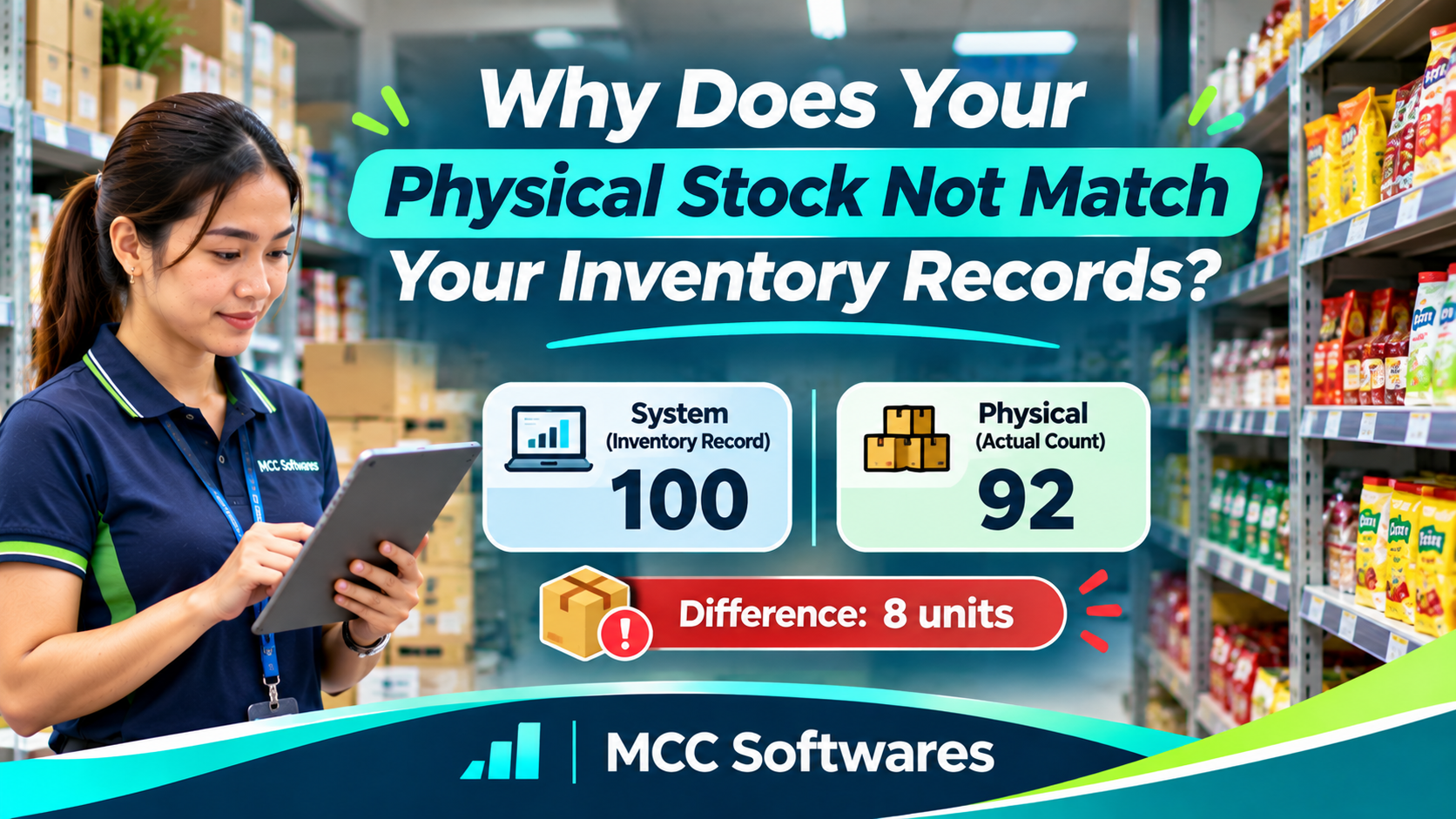
Have you ever checked your inventory records and found that your physical stock doesn't match what's recorded?
Your system says there are 50 items available, but when you count what's on the shelves, there are only 42.
Where did the other eight go?
This is called an inventory discrepancy, and it's a common problem for retail stores, groceries, hardware shops, and other businesses in the Philippines.
The good news is that missing stock doesn't always mean someone stole it. Sometimes, the problem comes from simple recording mistakes.
What Causes Inventory Discrepancies?
1. Sales Were Not Recorded Properly
During busy hours, cashiers may forget to record a transaction, scan the wrong product, or enter an incorrect quantity.
For example, a customer purchases five bottles of cooking oil, but the cashier records only three.
Your actual stock decreases by five, while your records show only three items sold.
Over time, small mistakes like this can create significant differences.
2. Supplier Deliveries Were Entered Incorrectly
Imagine receiving 100 boxes from your supplier, but only 95 actually arrived.
If your employee records 100 without checking the delivery, your inventory becomes inaccurate immediately.
Always compare deliveries with purchase orders and count the items before confirming receipt.
3. Damaged or Expired Products Were Not Deducted
Products don't disappear only through sales.
Some items become damaged, expire, or can no longer be sold.
A grocery store might have six damaged bottles that were removed from the shelves but never recorded as damaged inventory.
Your system may still consider those items available for sale.
Recording damaged goods separately helps keep inventory accurate.
4. Stock Transfers Were Not Recorded
This is especially common in businesses with a separate bodega and display area.
Suppose your bodega contains 80 units, and an employee transfers 20 to the store shelves.
If the transfer isn't recorded, the bodega inventory will still show 80 even though only 60 remain there.
The total business inventory hasn't changed, but the quantities assigned to each location are wrong.
5. Counting and Product Identification Errors
Sometimes employees simply count incorrectly.
Similar product packaging, incorrect barcodes, and different units of measurement can also create confusion.
For example, recording one carton as one individual item can produce a major discrepancy.
According to Shopify's inventory discrepancy guide, receiving mistakes, misplaced products, human error, and inventory shrinkage are common causes of inaccurate stock records.
How to Fix Inventory Discrepancies
When your stock doesn't match, avoid immediately changing the system quantity without investigating.
Instead, follow a simple process.
Step 1: Perform a Physical Count
Count the affected products carefully.
Check the display shelves, stockroom, bodega, and any other storage locations.
Step 2: Review Recent Transactions
Look at sales, supplier deliveries, returns, damages, and stock transfers.
Make sure you're comparing the physical count with records from the same cutoff time.
Step 3: Identify the Difference
For example:
| Record | Quantity |
|---|---|
| System quantity | 100 |
| Physical count | 92 |
| Stock discrepancy | -8 |
Investigate the missing eight units before making adjustments.
Step 4: Correct and Document the Records
Once the difference has been checked, record the appropriate inventory adjustment.
Include the reason, date, quantity, and responsible employee.
If the cause remains unknown, document it as an unresolved variance rather than inventing an explanation.
How Can You Prevent Stock Discrepancies?
You don't need an overly complicated inventory process.
Start with consistent procedures:
Record sales, receiving, and transfers promptly.
Use the correct product SKUs and barcodes.
Separate damaged items from available stock.
Conduct regular physical stock counts.
Assign employees clear inventory responsibilities.
Review discrepancies instead of repeatedly adjusting quantities without explanation.
You can also use cycle counting, where staff count selected products regularly instead of waiting for a full inventory count.
Shopify's cycle counting guide explains how repeated counts can help businesses identify errors earlier.
Can Inventory Software Help?
Yes, particularly when your business handles many products or multiple stock locations.
A suitable inventory management system can record product receiving, sales deductions, stock transfers, adjustments, and transaction history.
At MCC Softwares, we develop custom business software for organizations that need better control over their operations.
We're also developing QuixPOS, a retail POS and inventory management solution intended to support stock receiving, location-based quantities, and sales tracking.
QuixPOS remains under development, so its final availability and features should be confirmed before purchase decisions.
For businesses with specialized requirements, contact MCC Softwares to discuss a custom inventory management solution.
Frequently Asked Questions
Does missing stock always mean theft?
No. Differences may result from incorrect receiving, unrecorded sales, damaged goods, stock transfers, or counting mistakes.
How often should physical inventory be counted?
It depends on your business. Fast-moving or expensive items may need more frequent checks than slow-moving products.
Can a POS system prevent stock discrepancies?
A POS system with integrated inventory can reduce manual recording errors, but physical stock counts and proper staff procedures are still necessary.
Final Thoughts
When your physical stock doesn't match your inventory records, the important thing is to identify what caused the difference.
Accurate inventory isn't just about software. It's about recording every movement properly, checking quantities regularly, and correcting problems before they become bigger.
Questions this article answers
- Why does physical stock not match inventory records?
- What causes inventory discrepancies?
- How do you calculate missing stock?
- How do you correct inventory records?
- How can businesses prevent inventory discrepancies?
- How often should businesses count stock?
- Can POS software help improve inventory accuracy?
Sources and references
- Inventory Discrepancy Management: Fix and Prevent Errors — Shopify
- Stock Count Discrepancy: Causes and How to Fix It — Shopify
- Cycle Counting: Types, Best Practices and Benefits — Shopify
- MCC Softwares — MCC Softwares
Topics covered
Physical InventoryInventory DiscrepancyStock ReconciliationCycle CountingShopifyMCC SoftwaresQuixPOSPoint-of-Sale SystemsPhilippines
Related MCC products and services
Last reviewed for accuracy: 15 November 2026.
Related articles
-
How Much Does Custom Software Development Cost in the Philippines?
Planning to build custom software for your business? Explore published software development prices in the Philippines, the factors that affect your budget, and how to get an accurate quotation.
-
Website Development in Davao: A Business Owner’s Planning Guide
Planning a business website in Davao? Learn how to define your goals, compare proposals, budget for ongoing costs, and prepare for launch with clear ownership and support arrangements.
-
Custom Web Application Development for Small Businesses
Is custom web application development worth it for your small business? Compare ready-made software, total costs, potential benefits, and the questions to ask before hiring a developer.
-
How to Choose a Website Developer in the Philippines
Choosing a website developer? Learn how to compare portfolios, proposals, costs, ownership, SEO, and ongoing support before hiring a developer for your Philippine business.