Key takeaways
- Excel can work well for small businesses with simple inventory needs.
- Frequent stock discrepancies are a sign your current process needs improvement.
- Inventory software can automatically update quantities through connected transactions.
- Multiple stock locations often require more structured tracking.
- Clean and verify existing records before migrating.
- QuixPOS is an upcoming MCC Softwares retail management product.
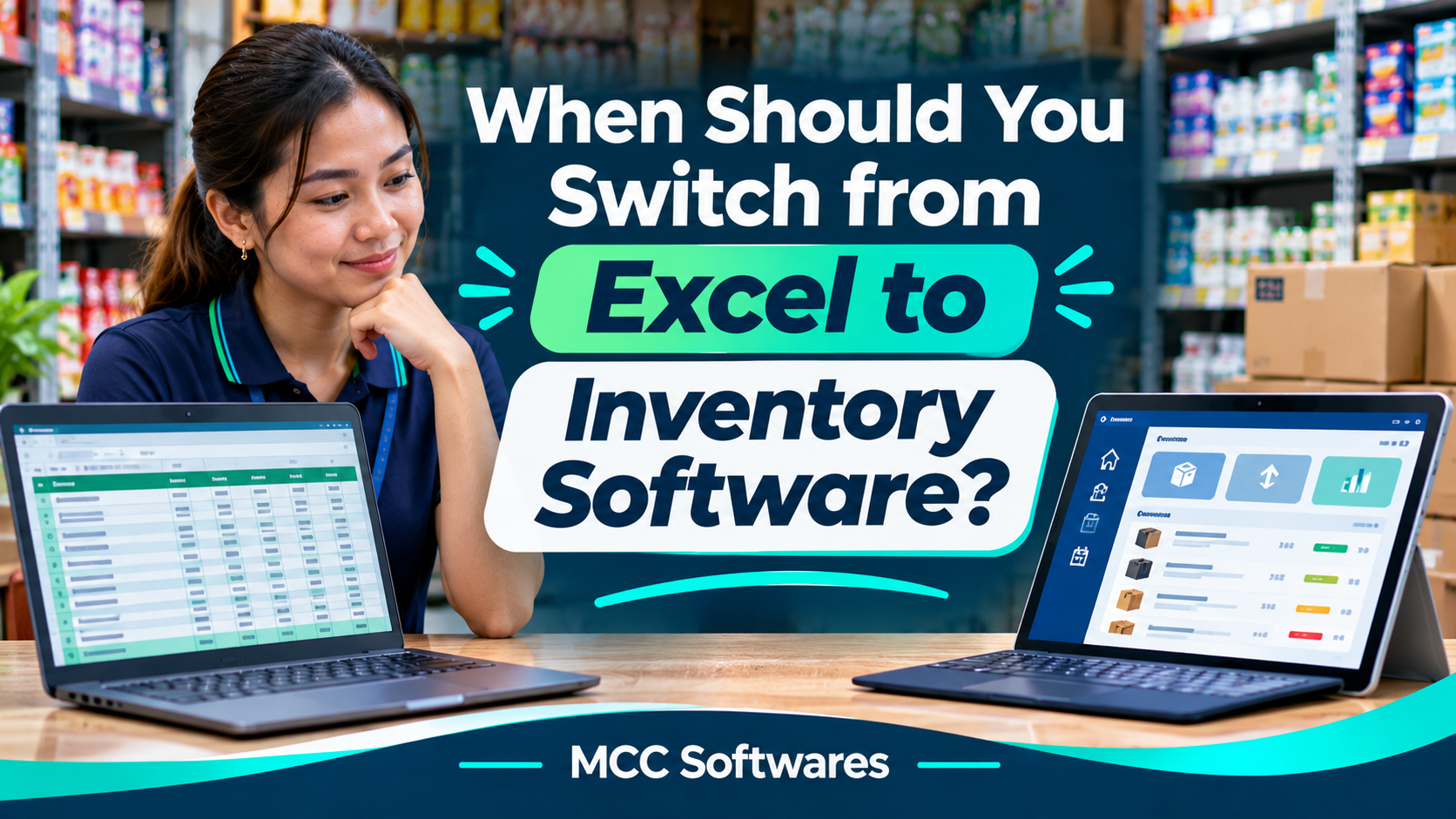
If you've been managing your store's inventory using spreadsheets, you've probably asked yourself whether it's time to switch from Excel to inventory software.
Excel is a great starting point. It's familiar, flexible, and affordable for businesses that only need to track a few products.
But imagine running a grocery store with hundreds of items. Your cashier records sales, someone receives deliveries, and another employee transfers stocks from the bodega to the display shelves.
Suddenly, keeping your spreadsheet accurate becomes a daily challenge.
So, when should you consider upgrading?
Is Excel Still Good for Inventory Management?
Yes. Excel can still work well for small businesses with straightforward inventory needs.
For example, a small sari-sari store in Cotabato City with a limited product selection might only need a spreadsheet to record purchases, sales, and available stock.
Excel also supports formulas, tables, and collaborative editing. Microsoft's official documentation explains how multiple users can work together on supported cloud-hosted workbooks.
However, a spreadsheet doesn't automatically know when a product is sold, received, damaged, or transferred.
Those updates depend on your inventory process, formulas, and any integrations you've created.
5 Signs It's Time to Switch to Inventory Software
1. Your Stock Counts Are Frequently Incorrect
Have you ever checked your spreadsheet and found that it shows 20 available items, but only 12 are actually on the shelf?
This often happens when employees forget to record sales, deliveries, or stock adjustments.
An inventory system can connect those transactions to your stock records, reducing the need for manual updates.
You'll still need regular physical stock counts, but identifying discrepancies can become easier.
2. You're Spending Too Much Time Updating Spreadsheets
If your employees spend hours encoding sales and calculating remaining quantities, your current process may be creating unnecessary work.
Imagine manually entering 150 transactions every day.
That's time your team could spend serving customers, organizing products, or checking supplier deliveries.
A POS system connected to inventory software can automatically record stock deductions when sales are completed.
3. You Have Too Many Products to Track Manually
Managing 30 products in Excel is very different from managing 3,000.
As your product catalog grows, it becomes harder to track different sizes, colors, prices, suppliers, and stock levels.
A dedicated inventory system can organize products using SKUs, barcodes, categories, and other identifiers.
This is particularly useful for groceries, hardware stores, pharmacies, boutiques, and electronics retailers.
4. You're Managing Multiple Stock Locations
Let's say your business has a bodega and a separate selling area.
You receive 100 boxes of a product, place 70 in storage, and transfer 30 to your store shelves.
Your total inventory is still 100 boxes, but the quantities in each location are different.
A basic spreadsheet may require several manual entries to track this correctly.
Inventory software with location-based stock tracking can record transfers without confusing them with actual sales.
5. You Frequently Run Out of Popular Products
Have customers ever asked for an item you thought was still available?
Stockouts can mean missed sales and disappointed customers.
Inventory software can help monitor available quantities and, where supported, notify staff when products reach a reorder level.
According to Shopify's inventory management guide, businesses should consider their product count, stock locations, stockouts, and time spent on manual reconciliation when evaluating inventory systems.
Excel vs Inventory Management Software
Here's a simple comparison:
| Feature | Excel | Inventory Software |
|---|---|---|
| Product records | Manual setup | Structured product catalog |
| Stock deductions | Manual or custom automation | Can connect directly to POS sales |
| Stock receiving | Manual encoding | Dedicated receiving workflows |
| Multiple locations | Custom spreadsheets | Location-based inventory options |
| Low-stock alerts | Formulas or custom automation | Often built-in |
| User access | Sharing and file permissions | Role-based operational permissions |
| Inventory reports | Formulas and pivot tables | Dedicated reporting tools |
The exact capabilities depend on the software you choose. Well-designed spreadsheets can still be useful for analysis and reporting.
Do You Really Need Inventory Software?
Not every business needs to upgrade immediately.
If your inventory records are accurate, your team can manage updates easily, and you're not experiencing stock problems, Excel may still be enough.
But if inventory mistakes are becoming frequent, your business has multiple stock locations, or you're repeatedly encoding the same transactions, it's worth reviewing other options.
The goal isn't to replace Excel simply because your business is growing. It's to make inventory management more reliable and less time-consuming.
How to Move from Excel to Inventory Software
Switching systems doesn't mean throwing away your existing records.
Start by cleaning your spreadsheet.
Check product names, SKUs, units, prices, and quantities. Remove duplicate records and identify outdated products.
Test Before Switching Completely
Choose a manageable group of products and test how the new system handles:
Product registration and stock receiving
Sales and automatic stock deductions
Stock transfers and adjustments
Damaged or returned goods
Inventory reports and physical counts
After testing, reconcile the quantities in your new system against verified physical inventory.
You can keep an archived copy of your original spreadsheet for reference.
Inventory Management Solutions by MCC Softwares
At MCC Softwares, we develop business systems designed around how Philippine companies manage daily operations.
Our business systems development services cover sales, inventory, recordkeeping, and reporting workflows.
We're also developing QuixPOS, a retail point-of-sale and business management product with a planned focus on inventory, sales, customer records, and multi-branch operations.
QuixPOS is currently in development and is not yet publicly available. Final features, pricing, and release details will be confirmed before launch.
For businesses with specialized inventory requirements, MCC Softwares can also discuss custom software development.
Frequently Asked Questions
Is Excel enough for a small retail store?
Yes, if you have a manageable number of products and can maintain accurate records without excessive manual work.
Can inventory software automatically update stock?
Many systems can deduct sold quantities through connected POS transactions and update records when goods are received or transferred.
Can I import my existing Excel inventory?
Many inventory platforms support spreadsheet imports, but compatibility varies. Check the required file format and verify your data before importing.
Final Thoughts
Excel isn't necessarily the problem. The real issue begins when your inventory process becomes too complicated to manage reliably through spreadsheets.
If you're regularly dealing with incorrect stock counts, missing updates, or time-consuming reports, it may be time to consider inventory management software.
Need help improving your inventory workflow?
Contact MCC Softwares to discuss your business requirements and explore suitable software options.
Questions this article answers
- When should you switch from Excel to inventory software?
- Is Excel good enough for small business inventory?
- What are the limitations of spreadsheet inventory tracking?
- Can inventory software automatically deduct stock?
- How do you manage inventory between a bodega and store shelves?
- Can you import Excel data into inventory software?
- What should you check before choosing inventory software?
Sources and references
- What Is an Inventory System? — Shopify
- Collaborate on Excel Workbooks — Microsoft
- Business Systems Development — MCC Softwares
- QuixPOS Product Preview — MCC Softwares
Topics covered
Microsoft ExcelMicrosoft 365Inventory Management SoftwareShopifyQuixPOSMCC SoftwaresPoint-of-Sale SystemStock Keeping UnitPhilippinesCotabato City
Related MCC products and services
Last reviewed for accuracy: 13 November 2026.
Related articles
-
Custom Web Application Development for Small Businesses
Is custom web application development worth it for your small business? Compare ready-made software, total costs, potential benefits, and the questions to ask before hiring a developer.
-
Affordable Custom Software Development in Cotabato City
Planning a custom system in Cotabato City? Learn how to compare proposals, prioritize features, budget for support, and explore MCC Softwares solutions for your organization.
-
How to Choose a Government Software Developer in the Philippines
Choosing software for an LGU or ministry? Learn what to check in a developer’s experience, security, support and handover, with examples from Datu Odin Sinsuat’s eBPLS and the MPOS BARMM Procurement Management and Inventory System.