
Key takeaways
- UAT verifies business readiness, not just technical functionality.
- Involve employees who will actually use the software.
- Test realistic, end-to-end business scenarios.
- Verify calculations, reports, and data accuracy.
- Check access permissions and invalid inputs.
- Document bugs with expected and actual results.
- Retest corrected issues before acceptance.
- Sign off only when agreed acceptance conditions are met.
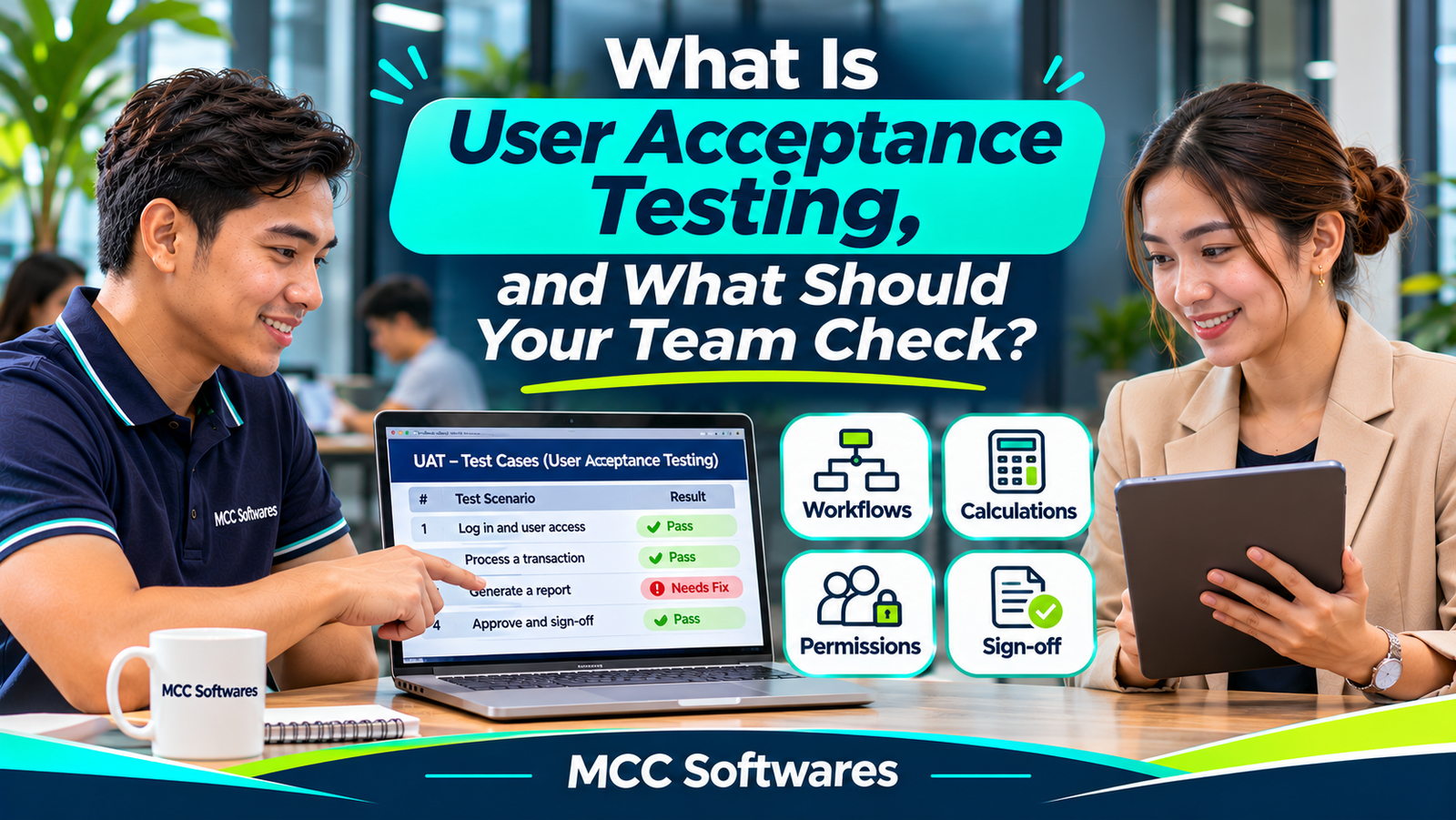
Your software developer has finished building your new system. The dashboard looks good, the buttons work, and you're almost ready to launch.
But before approving the project, there's one important step: User Acceptance Testing (UAT).
User acceptance testing helps determine whether the software actually works for the people who will use it every day.
For example, an inventory system might work perfectly during a developer's demonstration. But what happens when your cashier processes a return, your warehouse staff transfers stocks, or your manager generates a monthly report?
These are the situations your team should test before accepting the system.
What Is User Acceptance Testing?
User acceptance testing is the process of checking whether software meets the agreed business requirements and supports real-world operations.
Instead of focusing only on technical errors, UAT looks at whether employees can complete their daily tasks correctly.
According to the International Software Testing Qualifications Board (ISTQB), UAT is a form of acceptance testing used to determine whether intended users accept the system.
Think of it as a final business-focused evaluation before the software is approved for operational use.
Why Is UAT Important?
Imagine commissioning a custom inventory system for your retail store.
The developer confirms that product registration, sales recording, and reporting are working.
However, when your staff tests the system, they discover that transferring stocks between the bodega and selling area doesn't update the correct location balances.
The software may technically be running, but an important business process isn't working as expected.
UAT helps identify these problems before your company relies on the system for daily operations.
It also gives employees a chance to become familiar with the software and raise questions about their workflows.
Who Should Participate in UAT?
UAT shouldn't be handled only by the software developer or IT team.
The employees who will actually use the system should participate.
For example:
Cashiers: Test sales, discounts, returns, and payments.
Inventory staff: Test receiving, transfers, and stock adjustments.
Managers: Test reports, approvals, and administrative functions.
Accounting personnel: Verify transaction totals and financial records.
System administrators: Test user accounts and access permissions.
For a clinic management system, participants might include receptionists, physicians, and billing personnel.
For an LGU application, testing may involve authorized personnel from different offices.
Each person should focus on tasks related to their responsibilities.
1. Test Complete Business Workflows
Don't just click buttons to see whether they respond.
Ask employees to complete realistic tasks from beginning to end.
Example: Retail Inventory System
Your team could test the following process:
Register a new product.
Receive 100 units from a supplier.
Transfer 30 units to the selling area.
Sell five units.
Process a customer return.
Generate an inventory report.
After each transaction, verify that the quantities and records are correct.
The goal is to confirm that different features work together as expected.
2. Check Calculations and Reports
Incorrect calculations can create serious operational problems.
If your system handles sales, taxes, discounts, inventory valuation, or billing, verify the results using independently calculated examples.
For instance, if a cashier sells three products priced at ₱150 each, the total before discounts and applicable taxes should be ₱450.
Compare the expected amount against what the software displays.
Also test the reports.
Do daily sales match recorded transactions? Are cancelled orders handled correctly? Do stock reports reflect completed transfers?
A report that looks professional isn't useful if the numbers are wrong.
3. Test User Roles and Permissions
Not every employee should have access to every function.
For example, a cashier may be allowed to process sales but not change system-wide pricing or delete transaction history.
During UAT, log in using accounts assigned to different roles.
Check whether employees can access the functions they need and whether restricted functions remain unavailable.
Also test what happens when an employee attempts an action outside their assigned permissions.
These checks support operational controls, although they don't replace a professional security assessment.
4. Test Incorrect and Unexpected Inputs
Employees won't always enter perfect information.
Someone may accidentally enter a negative quantity, leave a required field blank, or submit the same transaction twice.
Your team should check how the system responds.
Example Scenarios
Try saving a product without its required name, entering an invalid date, or processing a transaction with insufficient stock.
Check whether the system provides understandable error messages and prevents unintended changes.
A good system should help employees recognize mistakes without corrupting records or creating duplicate transactions.
5. Check Performance and Device Compatibility
If your employees use different devices, test the software on the equipment they'll actually use.
For example, a browser-based POS application may be accessed through Windows computers, Android tablets, or iPads.
Verify that important controls are readable and easy to use.
Also consider normal working conditions.
Does the system remain usable when several authorized employees are working simultaneously?
Can employees recover from a lost connection without accidentally submitting the same transaction twice?
Some of these checks may require separate technical testing, but business users should still evaluate their effect on daily work.
6. Record Bugs and Problems Properly
When employees discover an issue, they should document it clearly.
Instead of saying "The system is broken," describe exactly what happened.
A useful bug report includes:
Feature or screen affected
Steps taken before the problem appeared
Expected result
Actual result
Date and testing environment
Screenshot or supporting evidence, where appropriate
For example:
Issue: Bodega stock quantity does not decrease after a completed transfer.
Expected: Transferring 10 units should decrease bodega stock by 10 and increase selling-area stock by 10.
Actual: Selling-area stock increases, but bodega stock remains unchanged.
This information helps developers investigate and reproduce the problem.
7. Retest Problems Before Approving the Software
Finding a bug doesn't automatically mean the entire project has failed.
Software development often involves identifying issues, correcting them, and testing again.
What matters is whether important problems are resolved before acceptance.
For each reported issue, record whether it has been fixed, retested, or remains unresolved.
You should also verify that changes haven't affected previously working features.
According to Atlassian's UAT guidance, intended users should repeat common daily tasks in a test environment to confirm that the system supports their work.
When Should You Sign Off on UAT?
Don't approve a system simply because the testing period has ended.
Before signing off, verify that the agreed acceptance criteria have been met, critical workflows pass, and serious defects are resolved.
If minor issues remain, document them along with the agreed action plan and any conditions for acceptance.
Your project contract should explain who has authority to approve the system and what formal acceptance means.
Remember that UAT is not a substitute for security testing, performance testing, backups, or operational training.
Custom Software Development With MCC Softwares
At MCC Softwares, we develop custom applications for businesses, healthcare providers, and government organizations in the Philippines.
Our custom software development services emphasize understanding requirements, defining project scope, and identifying acceptance criteria.
We also recognize the importance of software quality and testing when preparing systems for actual users.
Whether you're building an inventory application, healthcare system, or government management platform, testing real workflows helps determine whether the software is ready for your organization.
Contact MCC Softwares to discuss your custom software requirements.
Frequently Asked Questions
Is UAT the same as software testing?
UAT is one type of software testing. It focuses on whether intended users can complete business tasks and whether the system meets acceptance requirements.
Who approves user acceptance testing?
Usually, an authorized client representative or designated business stakeholder approves UAT according to the project agreement.
Should employees test the system before launch?
Yes. Employees who understand daily workflows can identify operational issues that may not appear during technical testing.
What happens if UAT fails?
Document the problems, agree on corrections, and repeat the affected tests. Acceptance should follow the criteria established for the project.
Final Thoughts
User acceptance testing isn't about finding problems just to criticize the software developer.
It's about making sure your organization receives a system that supports its actual operations.
Involve the right employees, test realistic scenarios, verify calculations, document issues, and review the results before signing off.
Software is ready for acceptance when it meets the agreed requirements—not simply when development is finished.
Questions this article answers
- What is user acceptance testing?
- Why is UAT important in software development?
- Who should participate in user acceptance testing?
- What should employees test during UAT?
- How do you prepare a UAT checklist?
- How should software bugs be reported?
- When should a client approve software?
- What happens if UAT fails?
Sources and references
- User Acceptance Testing Definition — ISTQB
- Acceptance Testing Definition — ISTQB
- User Acceptance Testing for Migrations — Atlassian
- User Acceptance Testing Template — Atlassian
- Custom Software Development — MCC Softwares
- Software Quality, Privacy & Accessibility — MCC Softwares
Topics covered
User Acceptance TestingUATISTQBAtlassianAcceptance CriteriaSoftware TestingBusiness RequirementsBug ReportingMCC SoftwaresPhilippines
Related MCC products and services
Last reviewed for accuracy: 19 November 2026.
Related articles
-
How Much Does Custom Software Development Cost in the Philippines?
Planning to build custom software for your business? Explore published software development prices in the Philippines, the factors that affect your budget, and how to get an accurate quotation.
-
Custom Web Application Development for Small Businesses
Is custom web application development worth it for your small business? Compare ready-made software, total costs, potential benefits, and the questions to ask before hiring a developer.