Key takeaways
- Upgrade when the existing system still performs its main functions.
- Consider replacement when security support or essential capabilities are missing.
- Compare total lifecycle costs, not just development fees.
- Explore integration before replacing useful software.
- Evaluate data quality, backups, and migration requirements.
- Involve employees in identifying workflow problems.
- Consider phased modernization to reduce disruption.
- Request a technical assessment before making a decision.
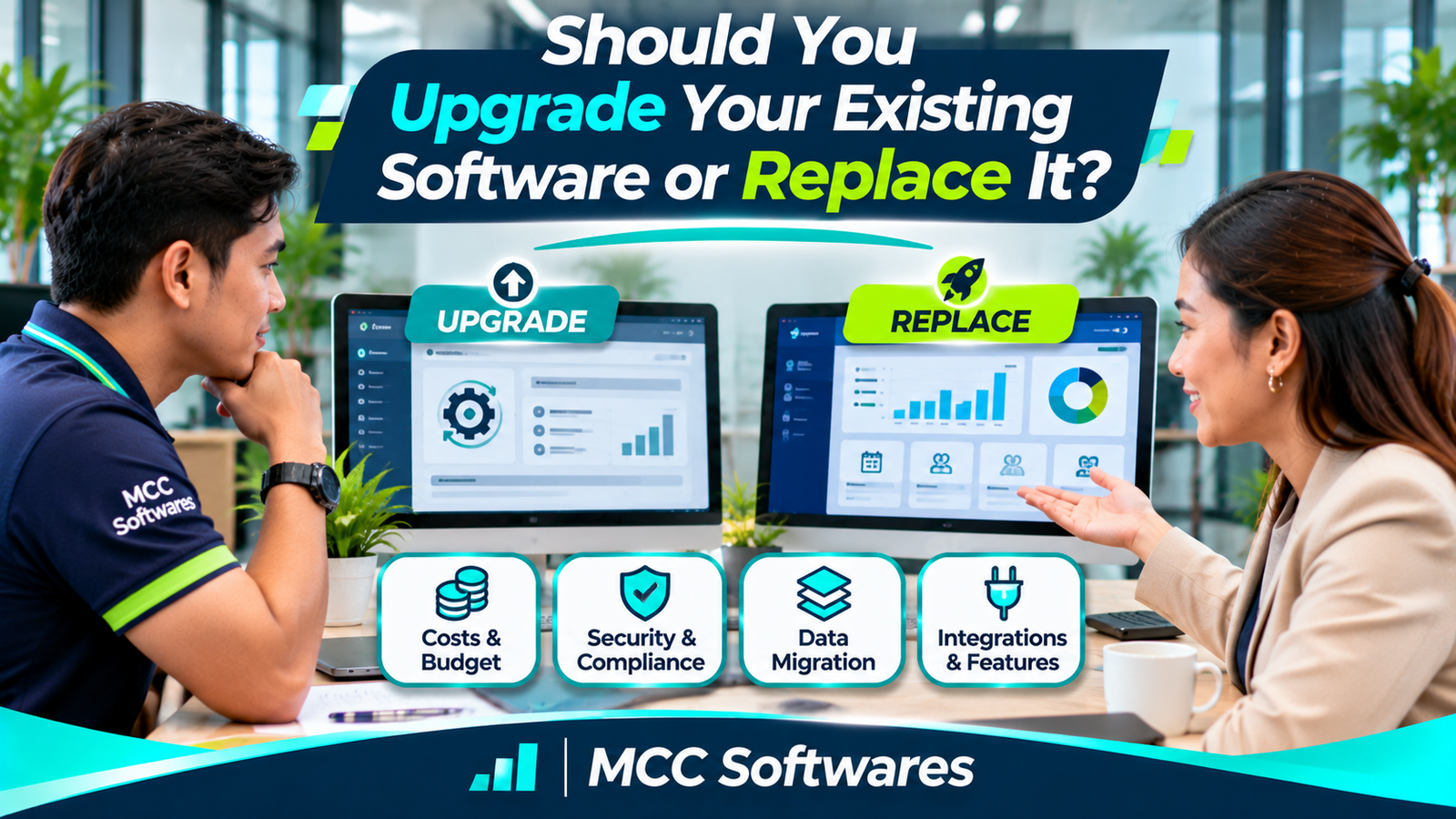
Your business has been using the same software for years. Employees know how it works, your records are already there, and changing systems sounds like a headache.
But lately, the software has become slower. Certain reports are difficult to generate, and your employees keep requesting features it doesn't support.
Now you're wondering: Should you upgrade your existing software or replace it completely?
The answer depends on your current system, the problems you're experiencing, and what your business needs next.
Not every outdated system needs replacing. Sometimes, a few improvements are enough. Other times, continuing to maintain old software becomes more expensive and risky than moving to a new solution.
Here's how to decide.
What's the Difference Between Upgrading and Replacing Software?
Upgrading means improving the software you already use.
This might involve updating its technology, fixing bugs, improving performance, redesigning its interface, or adding new features.
Replacing software means moving to a different system, whether that's a new custom application or an existing commercial product.
For example, a retail store using an older inventory system might upgrade it to support additional stock reports.
But if the system cannot handle multiple branches, modern payment workflows, or essential integrations, replacement might be more practical.
IBM's legacy modernization guidance describes approaches that preserve useful functionality while updating underlying technology.
1. When Should You Upgrade Your Existing Software?
Upgrading is often worth considering when your software still performs its main purpose effectively.
Your Core Features Still Work
Suppose your inventory system already handles product registration, sales, and basic reporting.
Your main complaints involve a confusing dashboard and a few missing reports.
If the existing software can be modified safely, improving those areas may be more reasonable than rebuilding everything.
The Technology Is Still Supported
If your application uses technologies that receive security updates and your developer can maintain the code, upgrades may be practical.
You might improve database performance, add user permissions, or introduce more convenient workflows without replacing the entire system.
Your Employees Are Comfortable With It
Training people to use new software takes time.
If your employees already understand the current system and only need a few improvements, upgrading can reduce disruption.
However, employee familiarity shouldn't be the only reason to keep a system that no longer meets your requirements.
2. When Should You Replace Your Software?
Sometimes, upgrading only delays a larger problem.
Here are situations where replacement deserves serious consideration.
The Software Is No Longer Supported
If the original developer is unavailable or the underlying technology no longer receives security updates, maintaining the system can become increasingly difficult.
The Australian Cyber Security Centre's legacy IT guidance identifies unsupported software and hardware as important security and operational risks.
Replacing an unsupported system may be necessary when the risks cannot be adequately managed.
Important Business Features Are Missing
Imagine operating a grocery business with three branches, but your inventory software was designed for only one location.
Employees must manually combine spreadsheets every evening to see total stock.
If adding multi-branch functionality requires extensive changes to the original software, replacement may be a better long-term option.
Maintenance Costs Keep Increasing
An older system may require repeated repairs, specialized support, or complicated workarounds.
Even if individual fixes seem inexpensive, their combined cost can become significant.
Compare the cost of continuing repairs with the full cost of a new system over several years.
3. Compare the Total Cost, Not Just Development Fees
One common mistake is comparing only the price of a software upgrade against the price of building a replacement.
The actual cost involves more than development.
| Cost Consideration | Upgrade | Replacement |
|---|---|---|
| Development work | Targeted improvements | New implementation |
| Data migration | Often limited | May be substantial |
| Employee training | Usually fewer changes | New workflows to learn |
| Integration | Existing connections may remain | Connections may need rebuilding |
| Maintenance | Depends on existing technology | Depends on new solution |
| Operational disruption | Often lower | Requires careful transition |
For example, upgrading an inventory system might cost ₱40,000, while replacing it might cost ₱150,000.
But if the old system requires ₱60,000 in repairs every year, the longer-term comparison may look different.
These amounts are hypothetical examples, not Philippine market quotations.
A proper cost assessment should include implementation, hosting, licensing, migration, staff training, support, and downtime risks.
4. Can Your Existing Software Still Be Integrated?
Before replacing a system, ask whether it can connect to other software.
For example, your existing sales system may still work well but lack online reporting.
Instead of replacing it, your developer might be able to create a reporting dashboard that retrieves data through an approved integration.
Other examples include connecting inventory records with sales, linking billing data with accounting, or enabling authorized mobile access.
However, integration depends on the system's architecture, available documentation, data access, and security requirements.
Not every legacy application can be integrated reliably.
5. Review Your Data Before Making Any Decision
Your business records may be more valuable than the software interface itself.
Whether you upgrade or replace the system, you need to protect your data.
Before beginning, determine:
What records are currently stored?
Can the data be exported?
Are there duplicate or incorrect records?
Will historical transactions remain accessible?
Who is responsible for migration and validation?
How will backups and recovery be handled?
For example, a clinic changing its management system must carefully evaluate how patient records and historical consultations will be preserved.
Never assume that a new system can automatically import everything from the old one.
6. Consider a Phased Software Replacement
Replacement doesn't always have to happen in one day.
A phased approach allows your organization to introduce a new system gradually.
Example: Retail Business
Suppose your company wants to replace its outdated POS and inventory software.
You might begin by setting up product records and inventory functions in the new system.
Next, staff can test receiving, sales, returns, and stock transfers using sample transactions.
After successful testing and reconciliation, the business can move selected branches or functions to the new system.
The old system may temporarily remain available for reference or controlled parallel operation.
AWS discusses incremental modernization as one way to reduce the risks of replacing complex applications all at once.
Any parallel operation should have clear rules to prevent conflicting records.
7. Ask Your Employees What Actually Needs Improvement
Your employees use the software every day.
They often know which tasks take too long, where errors occur, and which features create unnecessary work.
Before requesting a quotation, ask your team what they find difficult.
For example, your cashier might struggle with slow checkout, while your inventory staff may need better stock transfer tracking.
Your manager may only need more accurate reports.
Write down these issues and prioritize them.
You may discover that the real problem isn't the entire software system. It's a few workflows that need improvement.
8. Make the Decision With a Software Assessment
Before deciding, request a technical and operational review.
A developer should assess your existing technology, database, security, required features, integration options, and maintenance condition.
You can use this simple guide:
| Your Situation | Option to Consider |
|---|---|
| Core features work; only small improvements needed | Upgrade |
| Software is supported but needs modernization | Upgrade or phased modernization |
| Missing essential functionality | Major upgrade or replacement |
| Unsupported and difficult to secure | Replacement |
| Existing data cannot be migrated easily | Assess migration first |
| Business operations have changed significantly | Reassess requirements and compare options |
These are starting recommendations, not automatic rules.
The right choice depends on your existing system and business priorities.
Software Upgrades and Custom Development With MCC Softwares
At MCC Softwares, we develop custom business applications, web applications, and digital solutions for organizations in the Philippines.
Our custom software development services help businesses define their requirements and plan software suited to their workflows.
We also offer software maintenance and support, with responsibilities and coverage agreed upon for each engagement.
Whether you're considering improving an existing application or building a replacement, it's important to understand your current system before committing to development.
You can also read our guide to software development costs in the Philippines to understand common budgeting considerations.
Planning a software upgrade or replacement?
Visit MCC Softwares to discuss your operational requirements and explore suitable development options.
Frequently Asked Questions
Is upgrading software cheaper than replacing it?
Often, but not always. A small upgrade can cost less initially, while major modifications to an outdated system may become more expensive than a replacement.
Can I keep my existing business data when replacing software?
Potentially, yes. Data migration depends on the old system's export capabilities, data quality, and compatibility with the new platform.
Should I replace software just because it's old?
No. Age alone isn't enough. Consider security support, performance, functionality, maintenance costs, and business requirements.
Can software be upgraded without interrupting operations?
Some upgrades can be deployed with minimal disruption, while others require scheduled downtime, testing, or a phased rollout.
Final Thoughts
Deciding whether to upgrade or replace your existing software isn't simply about choosing the newest technology.
It's about finding the most practical way to support your business.
If your current system remains reliable and can accommodate your requirements, upgrading may be enough.
But if it's unsupported, difficult to maintain, or unable to handle essential operations, replacing it may offer better long-term value.
Before spending money on new software, understand what needs to change—and why.
Questions this article answers
- Should you upgrade your existing software or replace it?
- When is upgrading business software the better option?
- What are the signs that software needs replacement?
- Is replacing software more expensive than upgrading?
- Can legacy software integrate with modern systems?
- How do you migrate business data to new software?
- What is phased software modernization?
- What should a developer assess before recommending replacement?
Sources and references
- Legacy Code Migration: What It Is and Why It Matters — IBM
- Managing the Risks of Legacy IT: Practitioner Guidance — Australian Cyber Security Centre
- Ten Steps to Modernizing Legacy Monoliths — Amazon Web Services
- Migration Strategies — AWS Prescriptive Guidance
- Custom Software Development Philippines — MCC Softwares
- Software Maintenance and Support — MCC Softwares
Topics covered
Software ModernizationLegacy SoftwareSoftware ReplacementData MigrationApplication IntegrationAWSIBMAustralian Cyber Security CentreMCC SoftwaresPhilippines
Related MCC products and services
Last reviewed for accuracy: 21 November 2026.
Related articles
-
How Much Does Custom Software Development Cost in the Philippines?
Planning to build custom software for your business? Explore published software development prices in the Philippines, the factors that affect your budget, and how to get an accurate quotation.
-
Custom Web Application Development for Small Businesses
Is custom web application development worth it for your small business? Compare ready-made software, total costs, potential benefits, and the questions to ask before hiring a developer.
-
Affordable Custom Software Development in Cotabato City
Planning a custom system in Cotabato City? Learn how to compare proposals, prioritize features, budget for support, and explore MCC Softwares solutions for your organization.